All guides
Commercial video generation

AI Product Video Generator

Turn product concepts and still images into short motion tests for launches, ads, and social campaigns.

Open the video workspace

What you can create

Product reveals
Launch teasers
Social ads
Motion concept tests

Curated examples and prompts

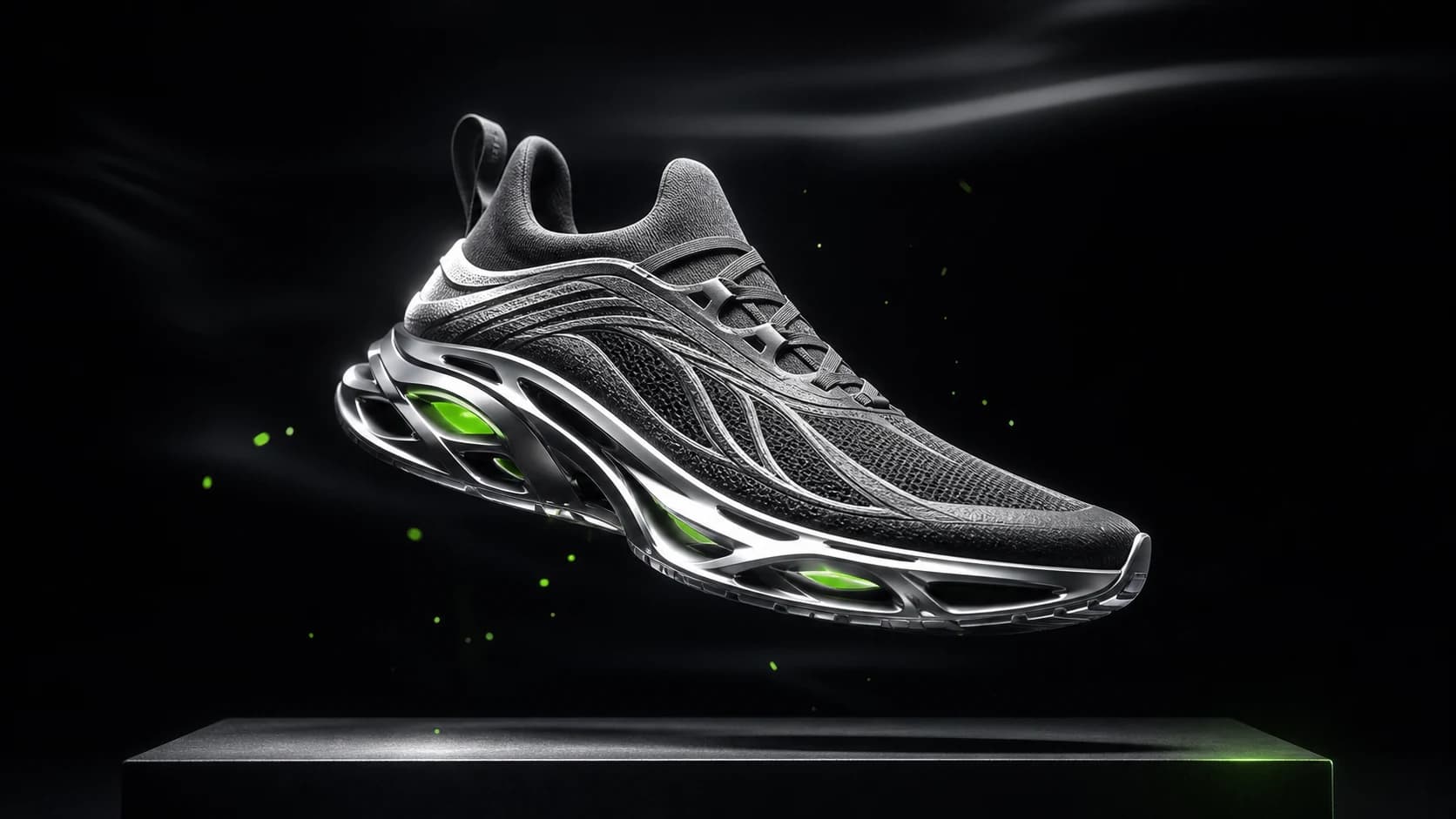
Original futuristic performance sneaker in a dark commercial studio
PixPilot Studio

Futuristic sneaker advertising visual

Futuristic performance sneaker suspended above a matte black platform, graphite mesh, silver technical sole, precise white edge light, restrained electric green accent, premium commercial photography.

flux-2-pro·16:9
Try this prompt

Unbranded luxury serum bottle standing on translucent alpine ice
PixPilot Studio

Luxury skincare product photography

Premium skincare bottle standing on translucent alpine ice, crisp glass reflections, subtle frozen mist, luxury advertising photography, controlled cool key light, restrained green rim light.

flux-2-pro·16:9
Try this prompt
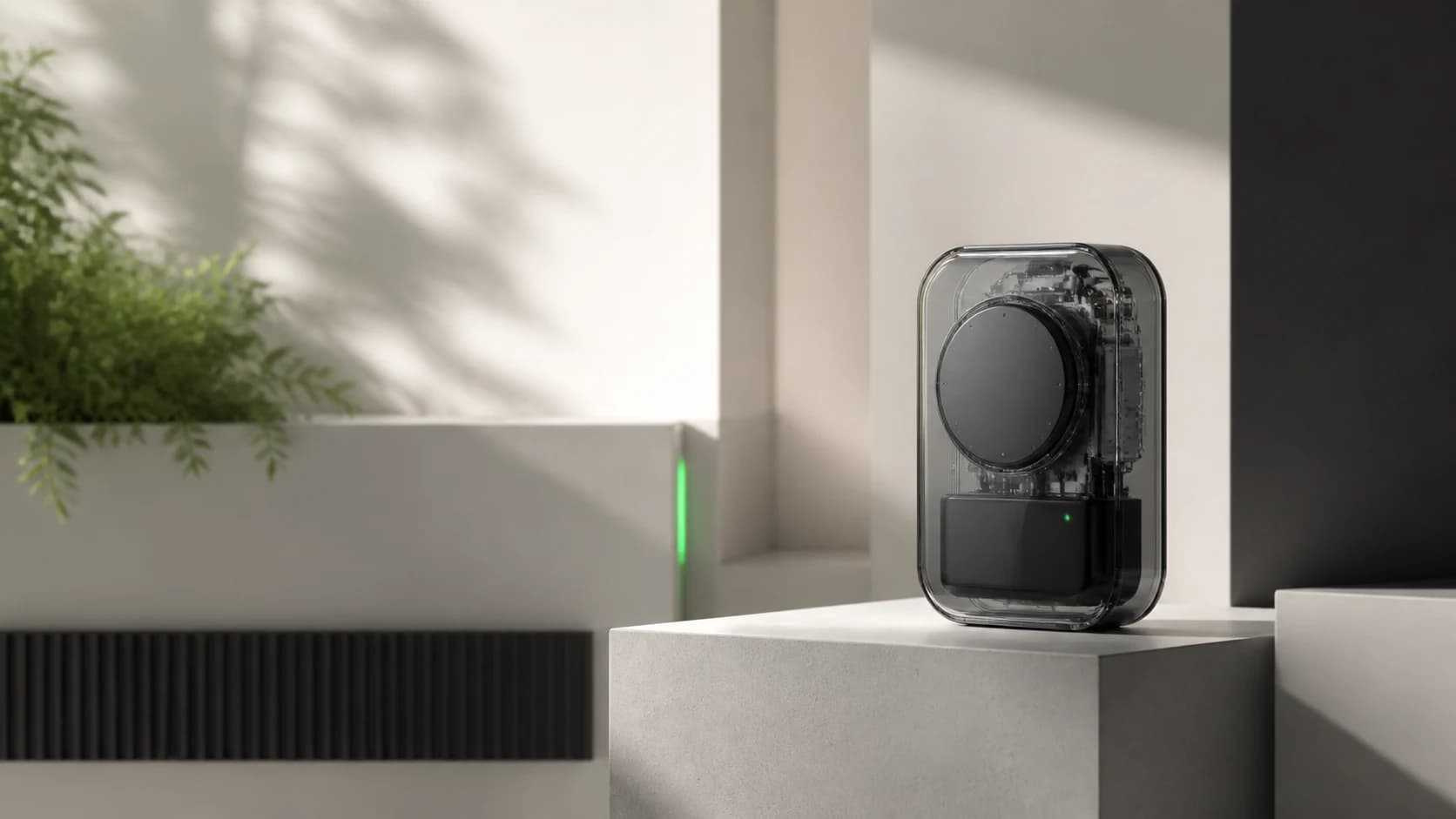
Minimal transparent technology product on an architectural pedestal
PixPilot Studio

Minimal technology launch campaign

Minimal technology product launch visual, compact transparent smart device on a precise pedestal, warm white architectural studio, graphite details, soft daylight, crisp shadows.

nano-banana-pro·16:9
Try this prompt

Models for this workflow

Compare required inputs, available ratios, resolution, duration, and reference support before generating.

FAQ

Which video input should I choose?

Use text-to-video for open exploration, image-to-video for animating one still, Frames for controlled start and end images, and References for broader visual guidance.

Are public examples connected to user projects?

No. Public examples are separate PixPilot Studio assets and never expose private generation records.

Related guides