All guides
Controlled video transitions

First and Last Frame Video

Set the opening image and optional ending image to guide a generated transition and motion path.

Open the video workspace

What you can create

Product transitions
Before-and-after motion
Scene transformations
Controlled endings

Curated examples and prompts

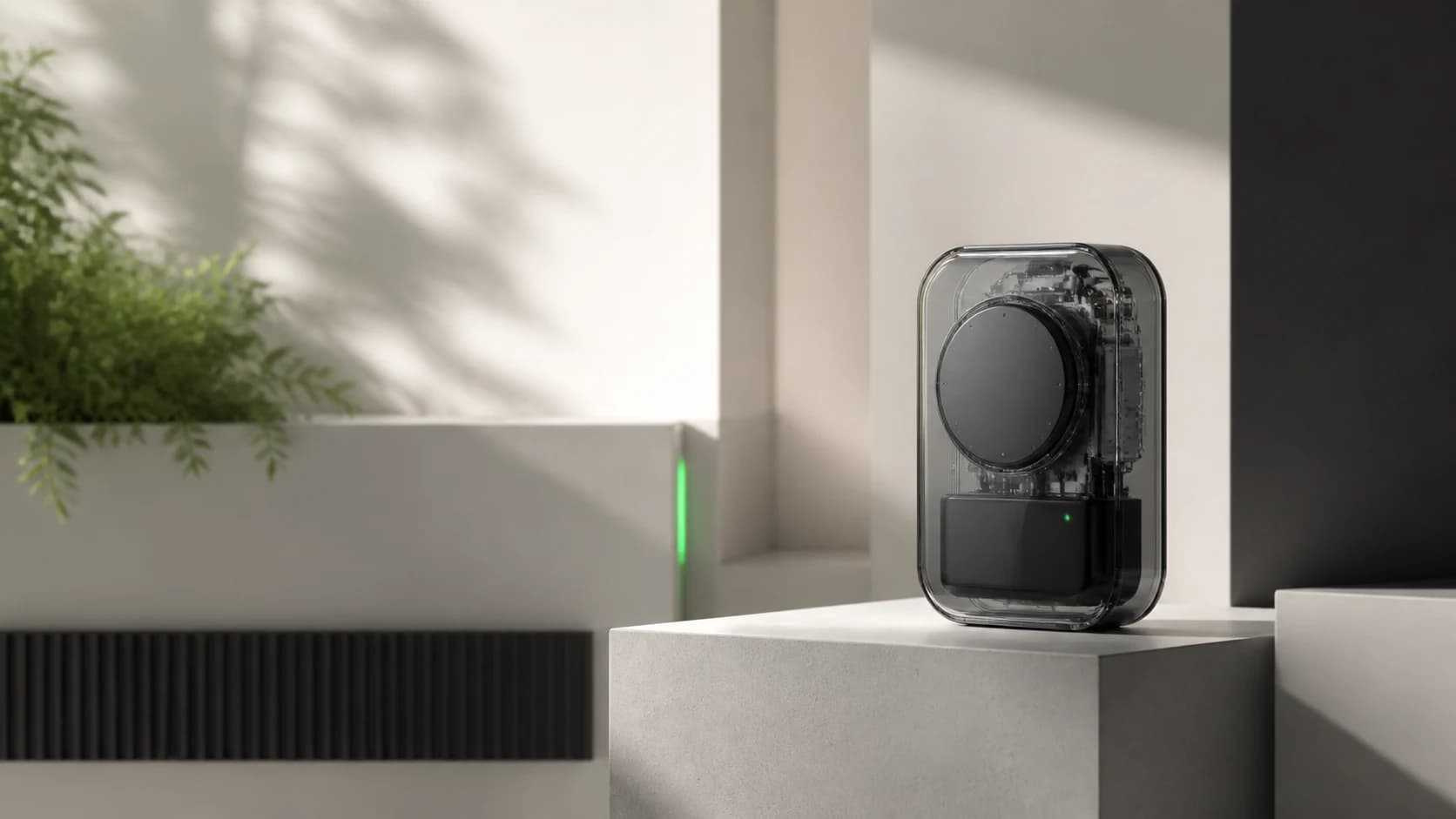
Minimal transparent technology product on an architectural pedestal
PixPilot Studio

Minimal technology launch campaign

Minimal technology product launch visual, compact transparent smart device on a precise pedestal, warm white architectural studio, graphite details, soft daylight, crisp shadows.

nano-banana-pro·16:9
Try this prompt
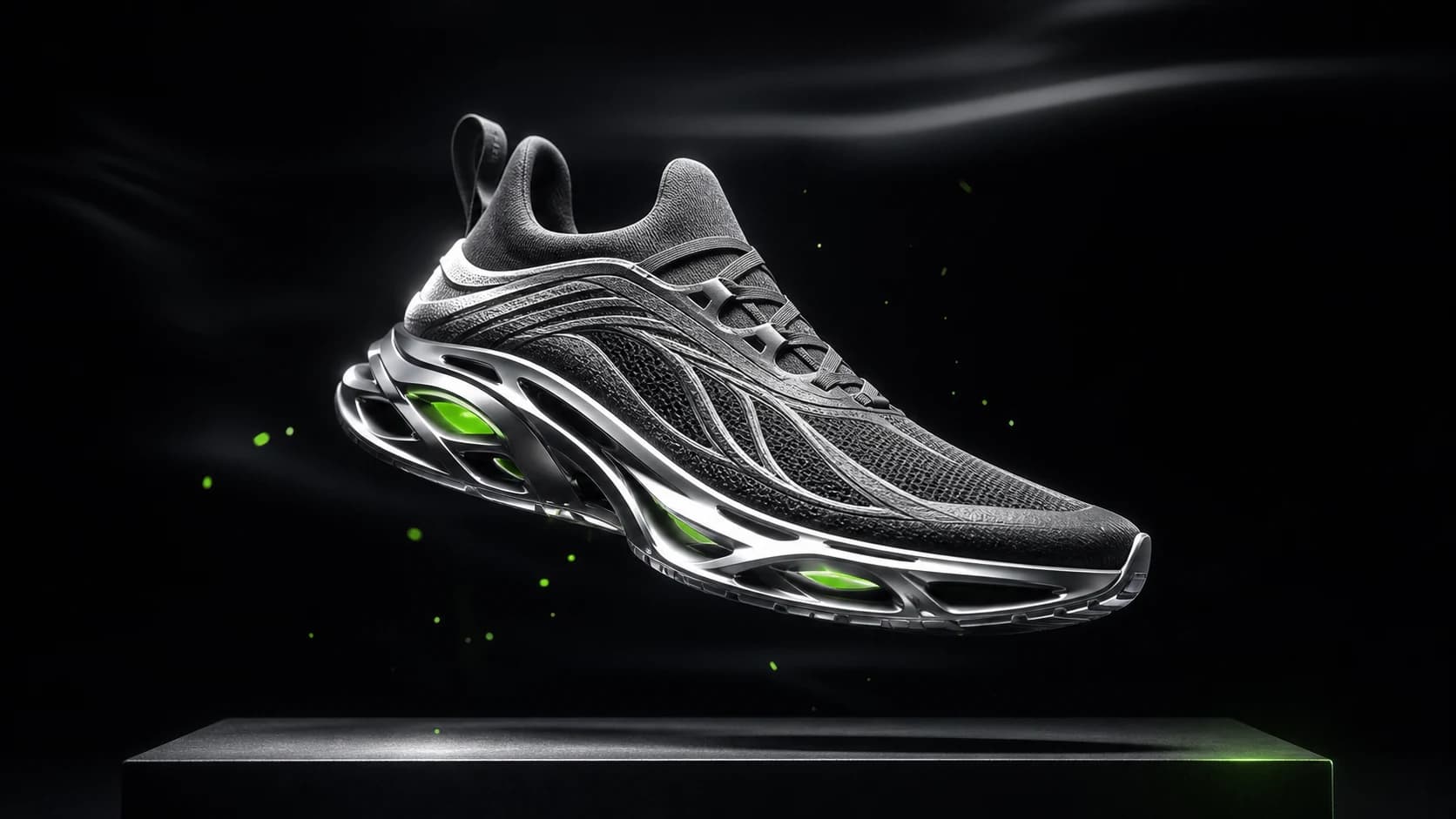
Original futuristic performance sneaker in a dark commercial studio
PixPilot Studio

Futuristic sneaker advertising visual

Futuristic performance sneaker suspended above a matte black platform, graphite mesh, silver technical sole, precise white edge light, restrained electric green accent, premium commercial photography.

flux-2-pro·16:9
Try this prompt
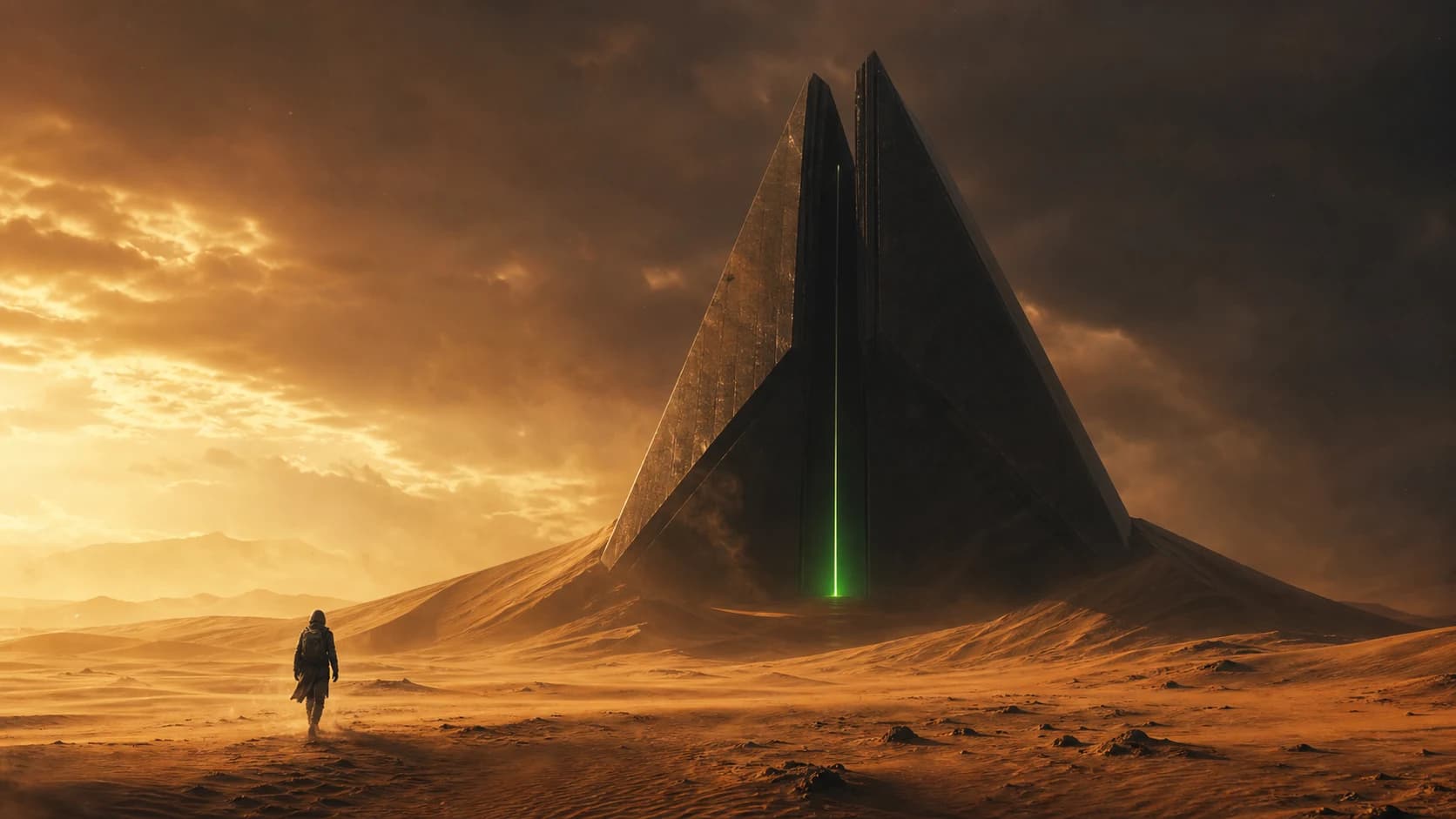
Lone explorer approaching a monumental geometric structure in a desert
PixPilot Studio

Cinematic desert science-fiction scene

Cinematic science fiction desert, lone explorer approaching a monumental geometric structure emerging from dunes, late golden hour, dramatic shafts of light, epic wide establishing shot.

nano-banana-pro·16:9
Try this prompt
Models for this workflow

Compare required inputs, available ratios, resolution, duration, and reference support before generating.

FAQ

Which video input should I choose?

Use text-to-video for open exploration, image-to-video for animating one still, Frames for controlled start and end images, and References for broader visual guidance.

Are public examples connected to user projects?

No. Public examples are separate PixPilot Studio assets and never expose private generation records.

Related guides