PixPilot Studio
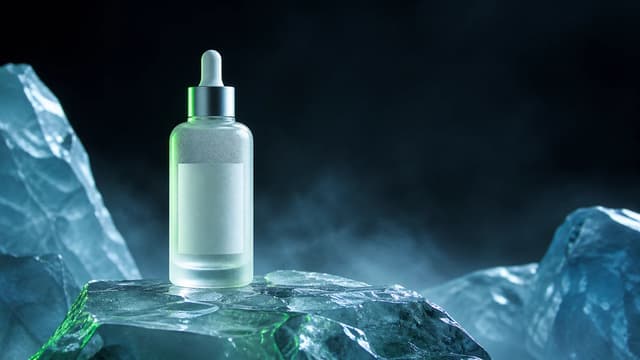
Luxury skincare product photography
A frosted serum bottle staged on translucent alpine ice with controlled commercial lighting.
Try this promptModel & workflow guides
Compare image and video generation workflows, inspect model inputs, and remix curated prompts built for product campaigns, social ads, and visual exploration.
See prompt structure, model options, reference-image guidance, and production-ready examples.
Create polished product shots for launches, ecommerce concepts, campaign reviews, and social advertising.
Read the guide Image guideBuild image and video concepts for feeds, stories, reels, launch posts, and paid social testing.
Read the guide Image guideExplore campaign directions, product visuals, editorial imagery, and motion-ready concepts from one workspace.
Read the guide Image guideGuide composition, style, color, and subject details with uploaded reference images.
Read the guideTurn product concepts and still images into short motion tests for launches, ads, and social campaigns.
Read the guide Video guideAdd controlled motion to product photography, campaign art, posters, and concept images.
Read the guide Video guideDescribe the subject, camera path, pacing, and lighting to create short original video concepts.
Read the guide Video guideSet the opening image and optional ending image to guide a generated transition and motion path.
Read the guideModel directory
High-fidelity image generation and editing with strong text rendering and optional reference images.
View model detailsHigh-quality image generation and editing with up to 8 reference images.
View model detailsHighest-fidelity Flux image generation and editing with up to 8 reference images.
View model detailsImage generation and editing for text-rich layouts, scenes, and reference-guided redraws.
View model detailsFast, low-cost 1K image generation and editing with up to 14 reference images.
View model detailsFast image generation and editing with multi-image references and no resolution selection.
View model detailsFast image generation and conversational editing with multi-image fusion and output up to 4K.
View model detailsFast expressive image generation for illustration, anime, painterly, and artistic styles.
View model detailsFast, consistent image generation for illustration, anime, painterly, and expressive styles.
View model detailsPhotorealistic and expressive image generation with richly textured styles and references.
View model detailsFast Wan 2.7 image generation and editing with 1K or 2K output and up to nine references.
View model detailsWan 2.7 Pro image generation with 1K, 2K, and text-to-image 4K output.
View model detailsA research and integration-status page for the WAN 3 keyword, without an unverified generation claim.
View availabilityText-to-video, image animation, and reference-guided video generation at 720p or 1080p.
View model detailsFlexible video generation with prompts, frames, references, and optional audio.
View model detailsMultimodal video generation with frames, references, native audio, and clips up to 30 seconds.
View model detailsRealistic text-to-video and image-to-video generation at 768p or 1080p.
View model detailsPhysics-focused video generation with prompt, image, and first-to-last-frame modes.
View model detailsPixPilot is preparing a Hailuo 03 workflow for a future release.
View availabilityPixPilot is preparing a MiniMax H3 workflow for a future release.
View availabilityImage-to-video generation for turning one uploaded image into a short motion clip.
View model detailsPrompt, image, frames, and reference-guided video generation with optional audio.
View model detailsHigh-fidelity AI video generation with native audio, image animation, frame control, and reference images.
View model detailsFast AI video generation with native audio, image animation, and frame-to-frame control.
View model detailsCost-efficient AI video generation with native audio, image animation, and frame control.
View model detailsCurated examples
A frosted serum bottle staged on translucent alpine ice with controlled commercial lighting.
Try this prompt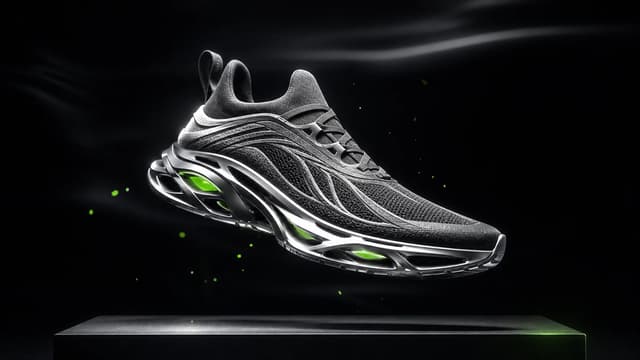
An original performance sneaker suspended above a graphite platform in a precision-lit studio.
Try this prompt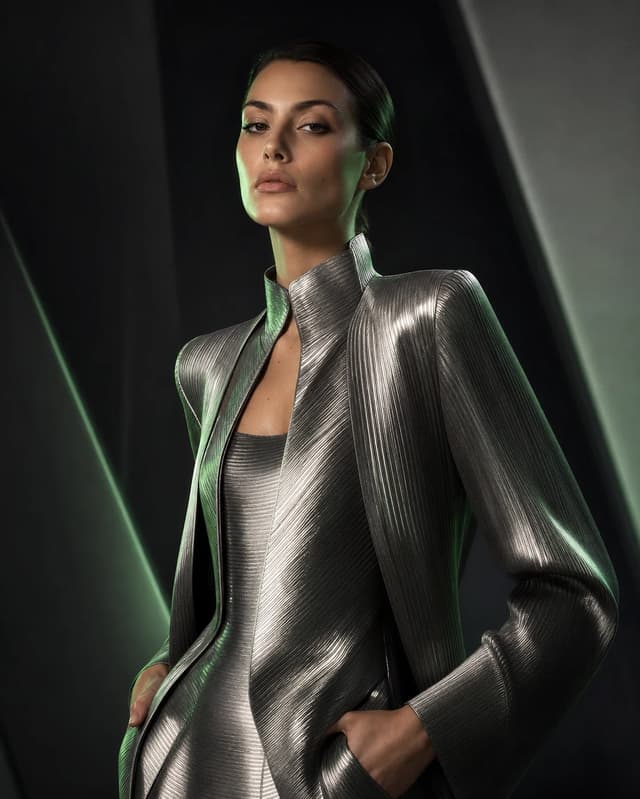
A magazine-style portrait with sculptural styling and controlled beauty lighting.
Try this prompt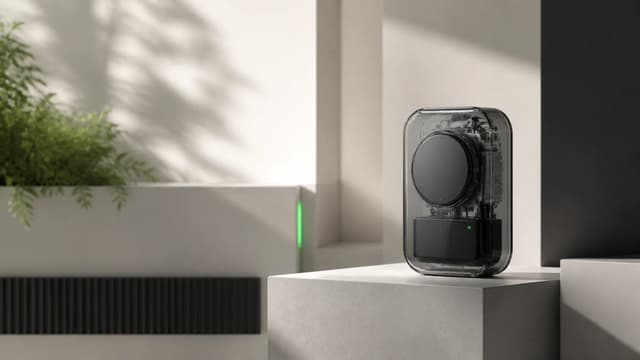
A transparent concept device presented with clean geometry and soft architectural daylight.
Try this prompt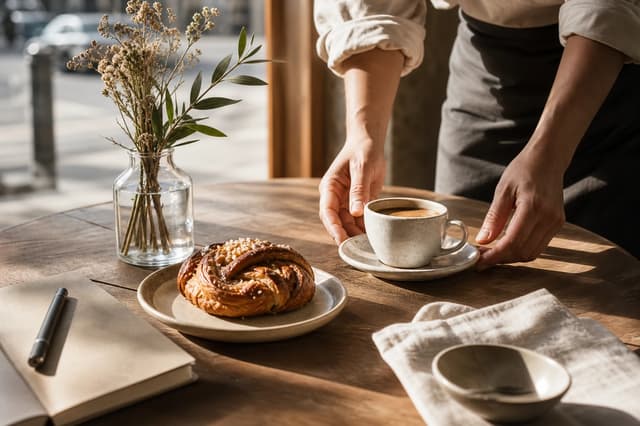
A warm editorial tabletop scene designed for hospitality and social advertising.
Try this prompt
An epic wide environment built for concept campaigns and narrative key art.
Try this promptNo. Public examples are produced by PixPilot Studio and are separate from private user records.
Start with the input mode you need, then compare resolution, reference support, duration, and credit cost on each model page.
Yes. Every example links to a workspace with the prompt and recommended model prefilled.
The model directory is connected to the same capability definitions used by the generation forms.