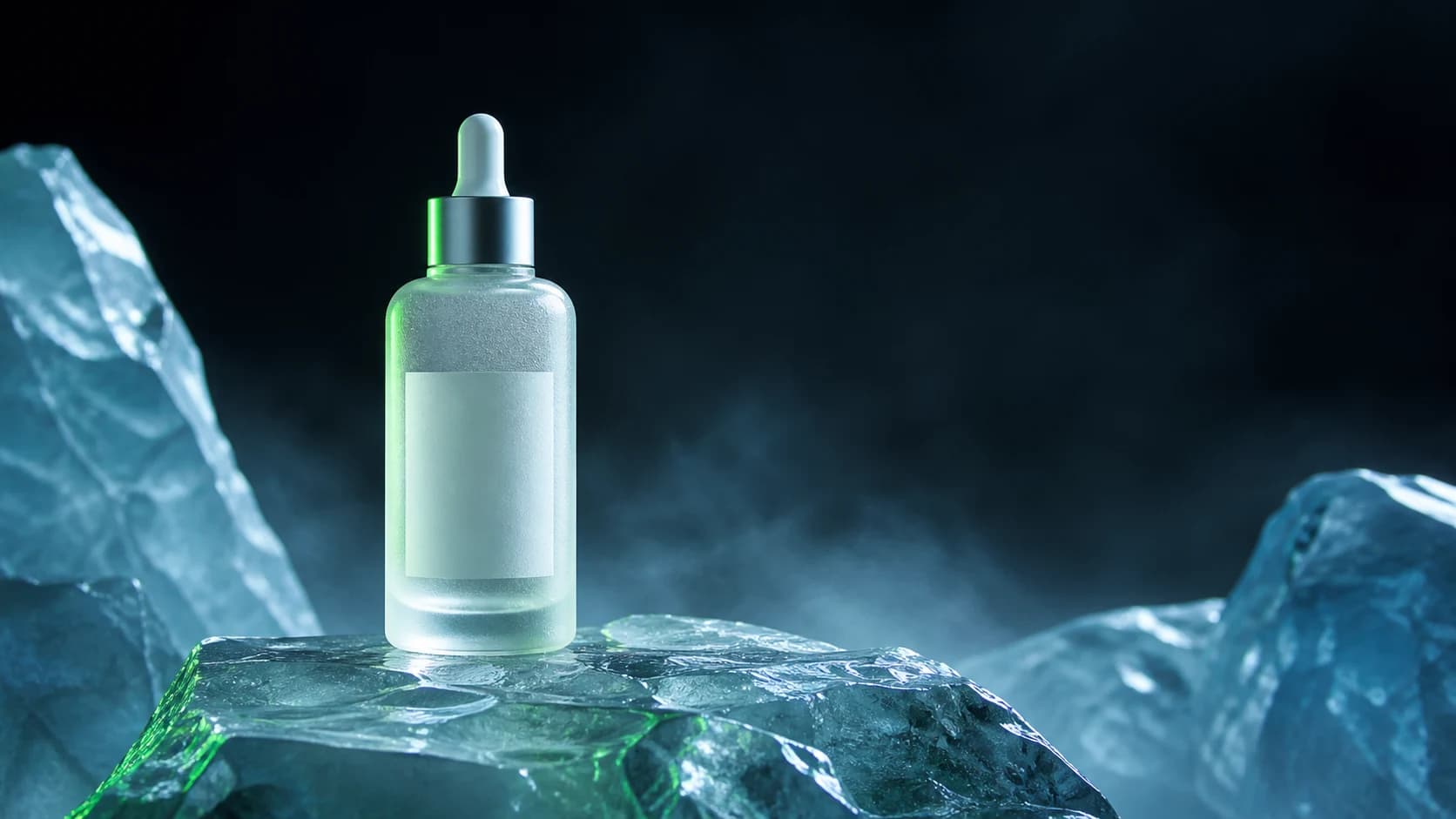
Luxury skincare product photography
Premium skincare bottle standing on translucent alpine ice, crisp glass reflections, subtle frozen mist, luxury advertising photography, controlled cool key light, restrained green rim light.
Try with Flux 2 Maxflux 2 max is the premium Flux image model for high-fidelity commercial generation and reference-guided editing. It supports detailed prompts, up to 8 uploaded reference images, common campaign aspect ratios, and output from 0.5MP to 4MP.
Premium skincare bottle standing on translucent alpine ice, crisp glass reflections, subtle frozen mist, luxury advertising photography, controlled cool key light, restrained green rim light.
Try with Flux 2 Max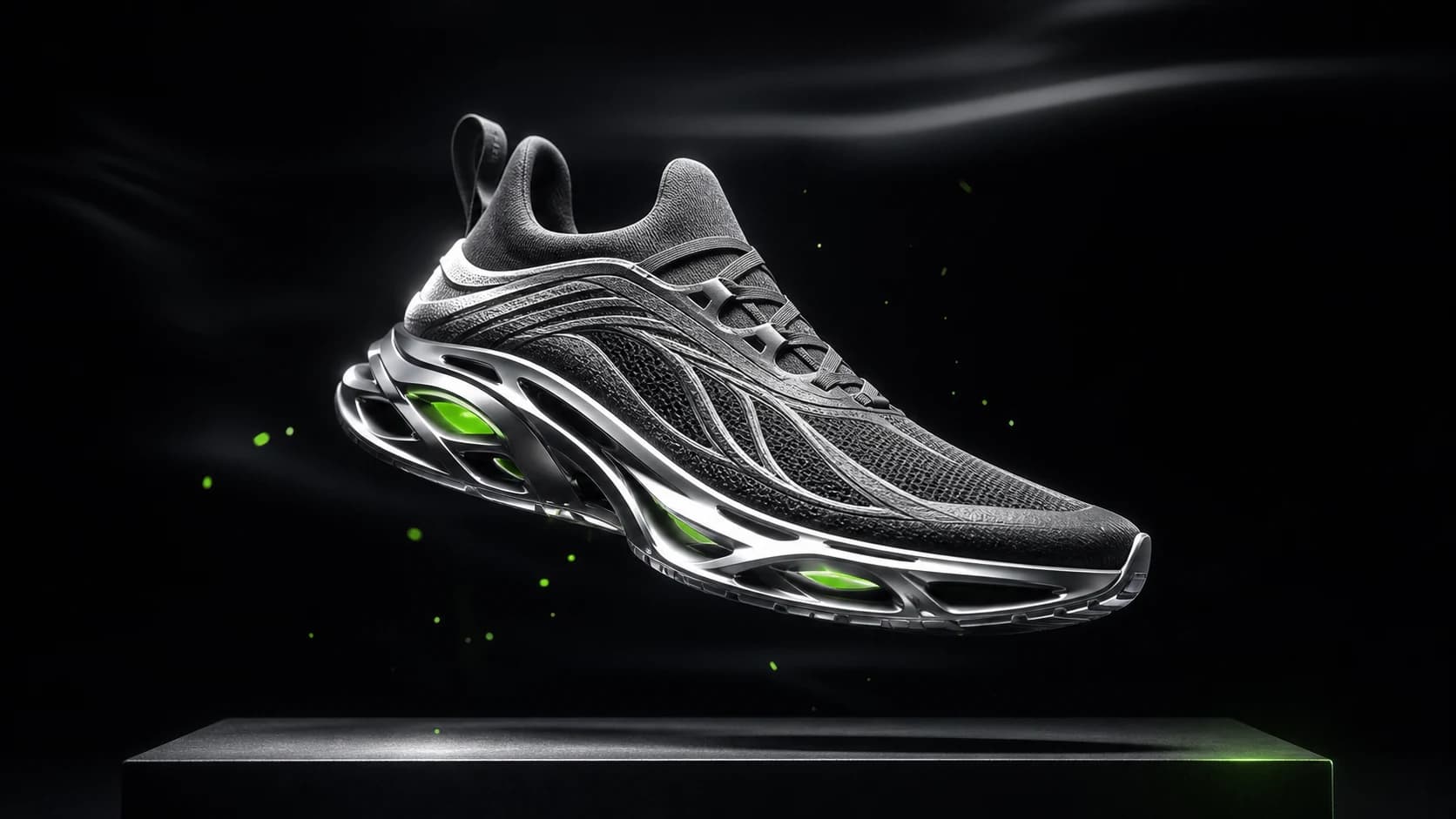
Futuristic performance sneaker suspended above a matte black platform, graphite mesh, silver technical sole, precise white edge light, restrained electric green accent, premium commercial photography.
Try with Flux 2 Max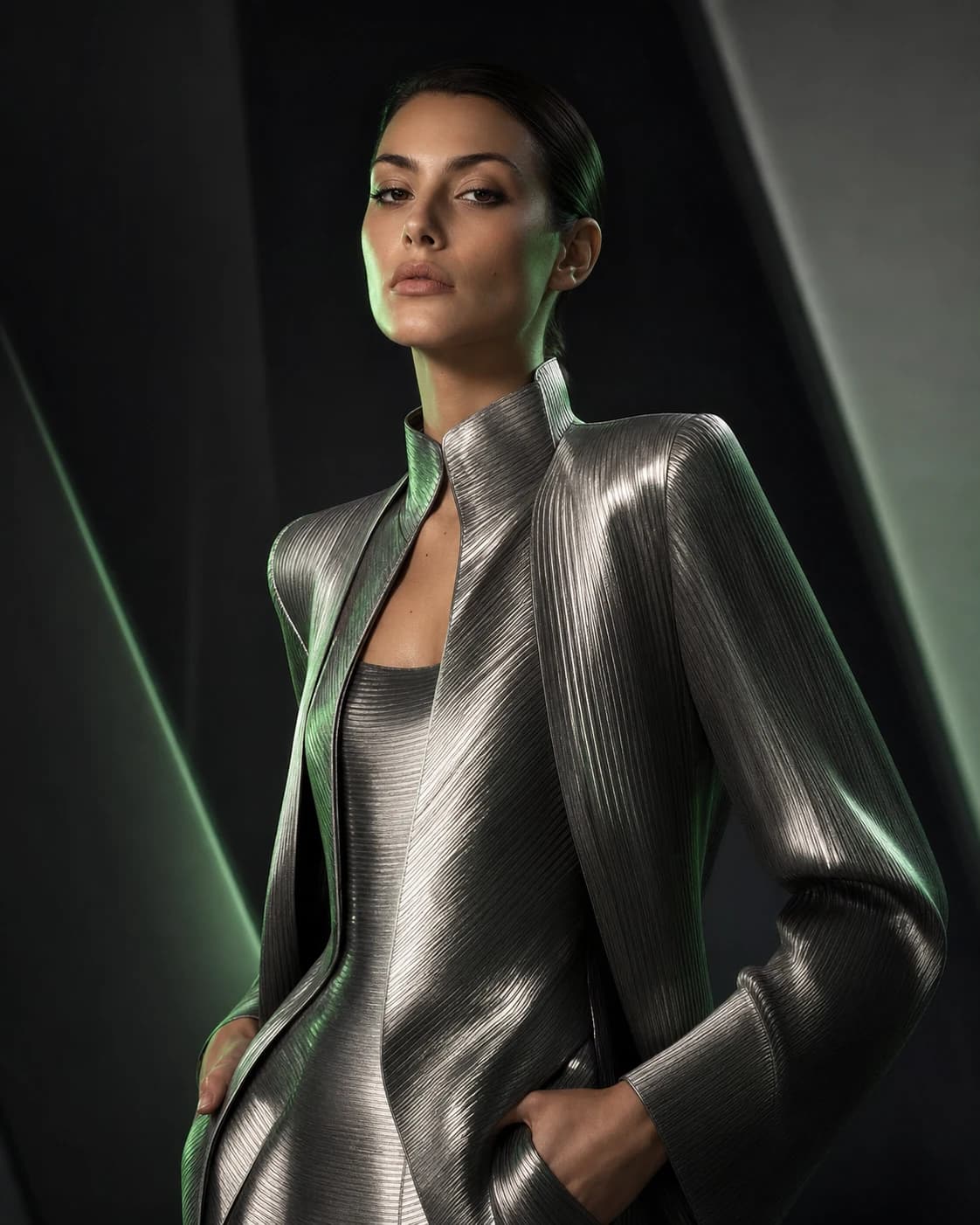
Editorial fashion portrait, sculptural metallic clothing, sophisticated magazine campaign, dark architectural studio, soft beauty key light, silver and muted green rim light.
Try with Flux 2 MaxModel type
Image generation and editing
Resolution
0.5MP / 1MP / 2MP / 4MP / Match input
Aspect ratio
Match input / 1:1 / 16:9 / 3:2 / 2:3 / 4:5 / 5:4 / 9:16 / 3:4 / 4:3
Output format
WebP
Reference images
Optional, up to 8
Estimated time
About 45-90 seconds
Credits
10-160 by input and output megapixels
Use it when final image quality, prompt adherence, and consistent edits matter more than lowest credit cost.
Upload up to 8 images to guide subjects, products, style, backgrounds, or composition.
Choose 0.5MP, 1MP, 2MP, 4MP, or match input size for different production needs.
Generate square, landscape, portrait, and product-friendly 4:5 or 5:4 crops.
Create polished product, brand, and social images when the output needs more refinement.
Use references and detailed prompts to explore product colors, materials, scenes, and camera angles.
Blend visual references for consistent subjects, styling, and composition across iterations.
Credits are based on the run cost plus input and output megapixels. Larger reference images and 4MP output use more credits.
Choose flux 2 max for higher-fidelity final visuals and more demanding reference-guided edits. Use Flux 2 Pro for lighter commercial iteration.
High-fidelity image generation and editing with strong text rendering and optional reference images.
High-quality image generation and editing with up to 8 reference images.
Image generation and editing for text-rich layouts, scenes, and reference-guided redraws.
Fast image generation and conversational editing with multi-image fusion and output up to 4K.
Open the workspace and start creating with Flux 2 Max.