All guides
Reference-guided image creation

Reference Image AI Generator

Guide composition, style, color, and subject details with uploaded reference images.

Open the image workspace

What you can create

Style exploration
Consistent art direction
Product variations
Composition guidance

Curated examples and prompts

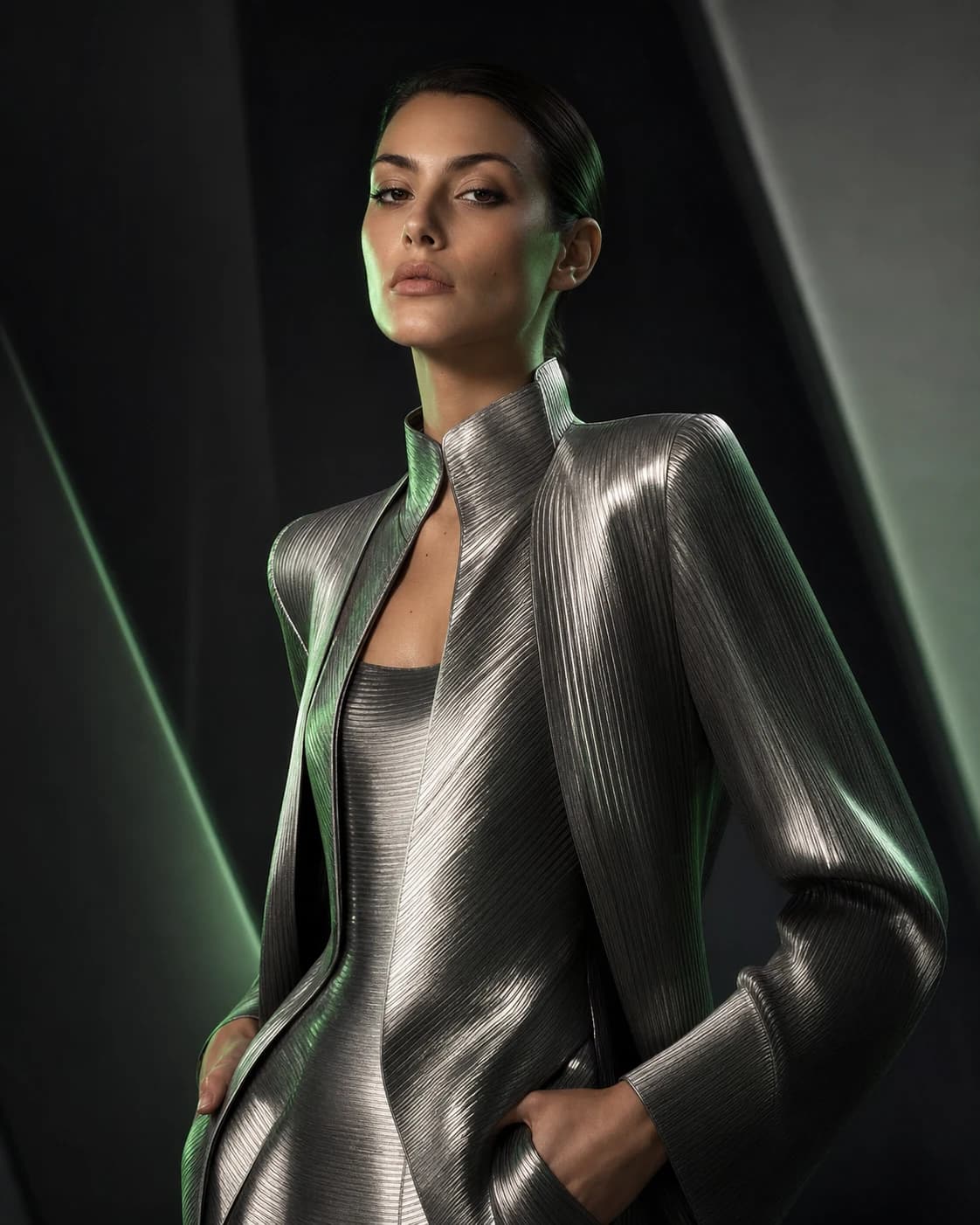
Editorial fashion portrait with sculptural metallic clothing
PixPilot Studio

Metallic fashion editorial portrait

Editorial fashion portrait, sculptural metallic clothing, sophisticated magazine campaign, dark architectural studio, soft beauty key light, silver and muted green rim light.

nano-banana-pro·3:4
Try this prompt
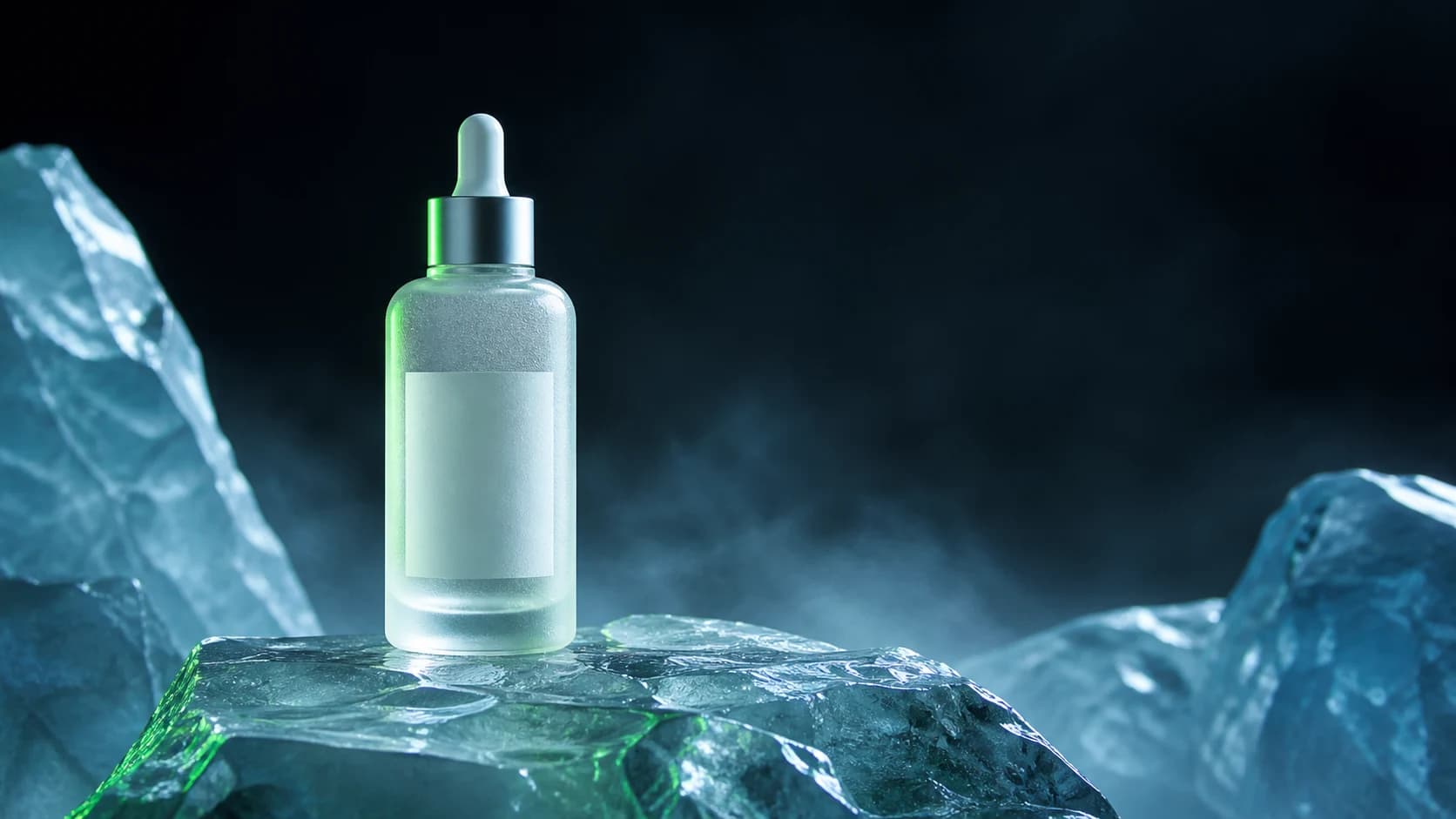
Unbranded luxury serum bottle standing on translucent alpine ice
PixPilot Studio

Luxury skincare product photography

Premium skincare bottle standing on translucent alpine ice, crisp glass reflections, subtle frozen mist, luxury advertising photography, controlled cool key light, restrained green rim light.

flux-2-pro·16:9
Try this prompt
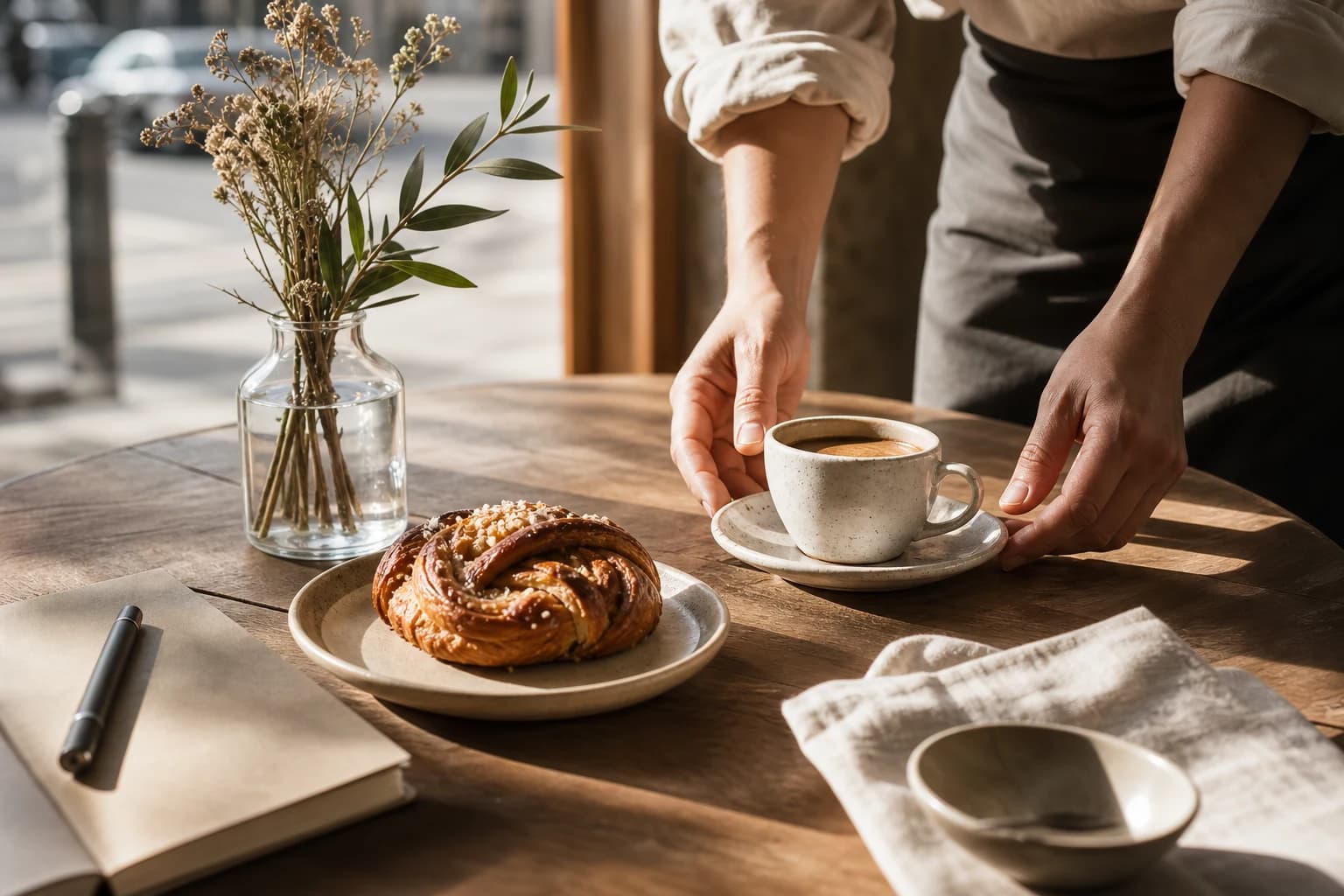
Sunlit coffee shop table with ceramic cup pastry and notebook
PixPilot Studio

Coffee shop lifestyle campaign

Premium independent coffee shop lifestyle campaign, ceramic coffee cup, pastry and notebook on a warm contemporary cafe table, natural morning sunlight, authentic editorial photography.

flux-2-pro·3:2
Try this prompt

Models for this workflow

Compare required inputs, available ratios, resolution, duration, and reference support before generating.

FAQ

Can I use reference images?

Yes. Supported image models accept reference images to guide composition, subject details, color, and visual style.

Are the examples made from user uploads?

No. Every public example is created and curated by PixPilot Studio. Private user generations are never used on these pages.

Related guides