
Luxury skincare product photography
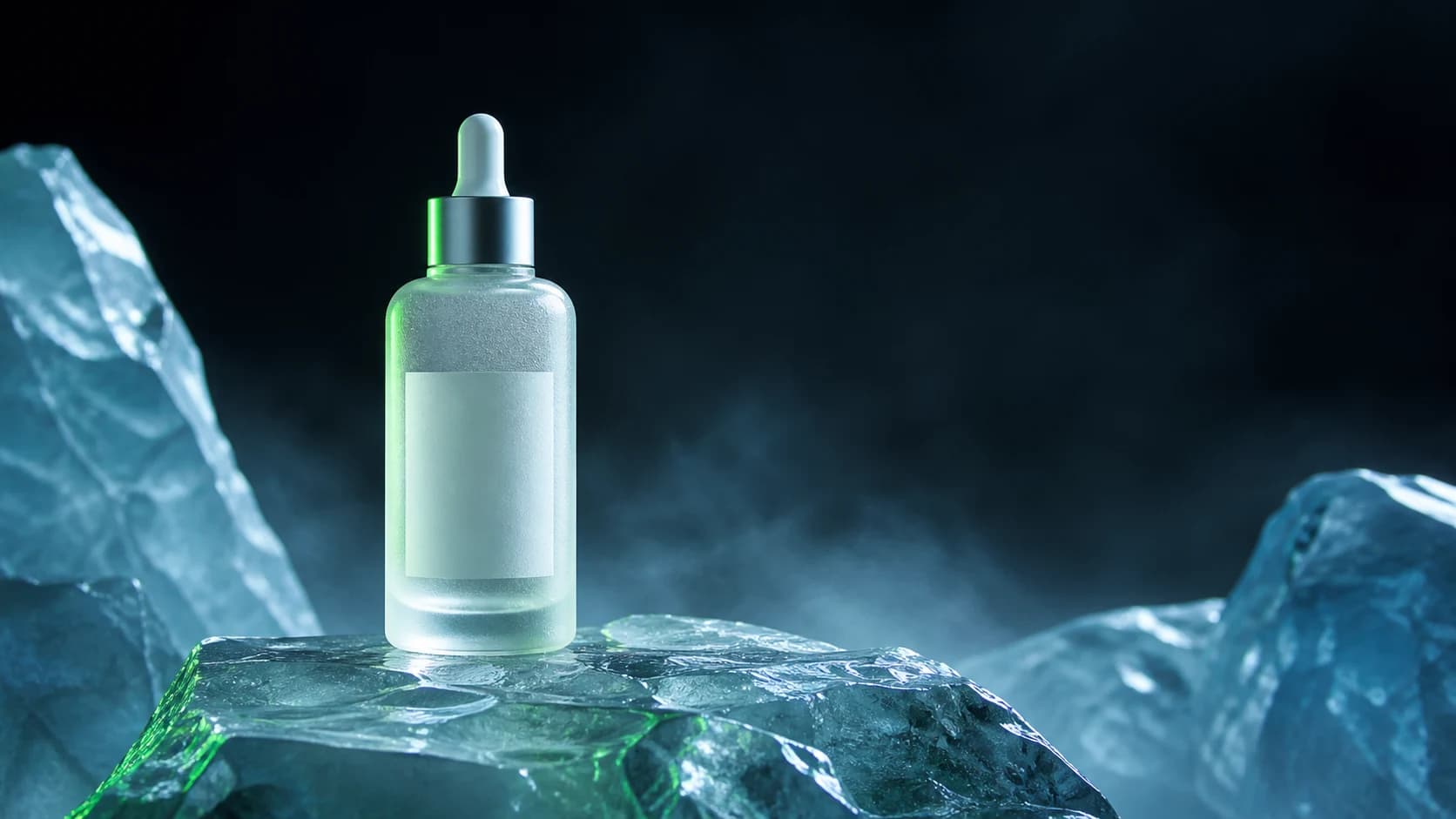
A frosted serum bottle staged on translucent alpine ice with controlled commercial lighting.
Good morning, Creator
Create with Nano Banana, Seedance, Flux, Grok, and more without switching between tools.
Image
One generation workspace
Select a model, describe the result, add reference media when needed, and keep every completed output in one account. Use Wan 2.7 Image for fast 1K or 2K image generation, Wan 2.7 Image Pro for 1K, 2K, or text-to-image 4K, Seedance 2.5 for longer multimodal clips, Hailuo 2.3 for realistic prompt or image-to-video, or Hailuo 02 for first-to-last-frame control. Veo 3.1 remains available for native-audio workflows. PixPilot exposes only the settings each selected model actually supports. Browse the full catalog in the AI Models hub.
Feature directory
Move from a broad generator to a focused workflow guide, then compare the image and video models that match the type of asset you want to create.
Create campaign images, product visuals, and reference-guided image edits.
Generate short videos from prompts, images, frames, and reference media.
Animate still images into motion concepts for social and product campaigns.
Turn prompts into short clips with controllable camera, pacing, and lighting.
Guide image composition, color, subject details, and style with references.
Control video transitions with a starting frame and optional ending frame.
Create polished product shots for launches, ecommerce, and social ads.
Explore campaign visuals, editorial images, and motion-ready concepts.
A frosted serum bottle staged on translucent alpine ice with controlled commercial lighting.
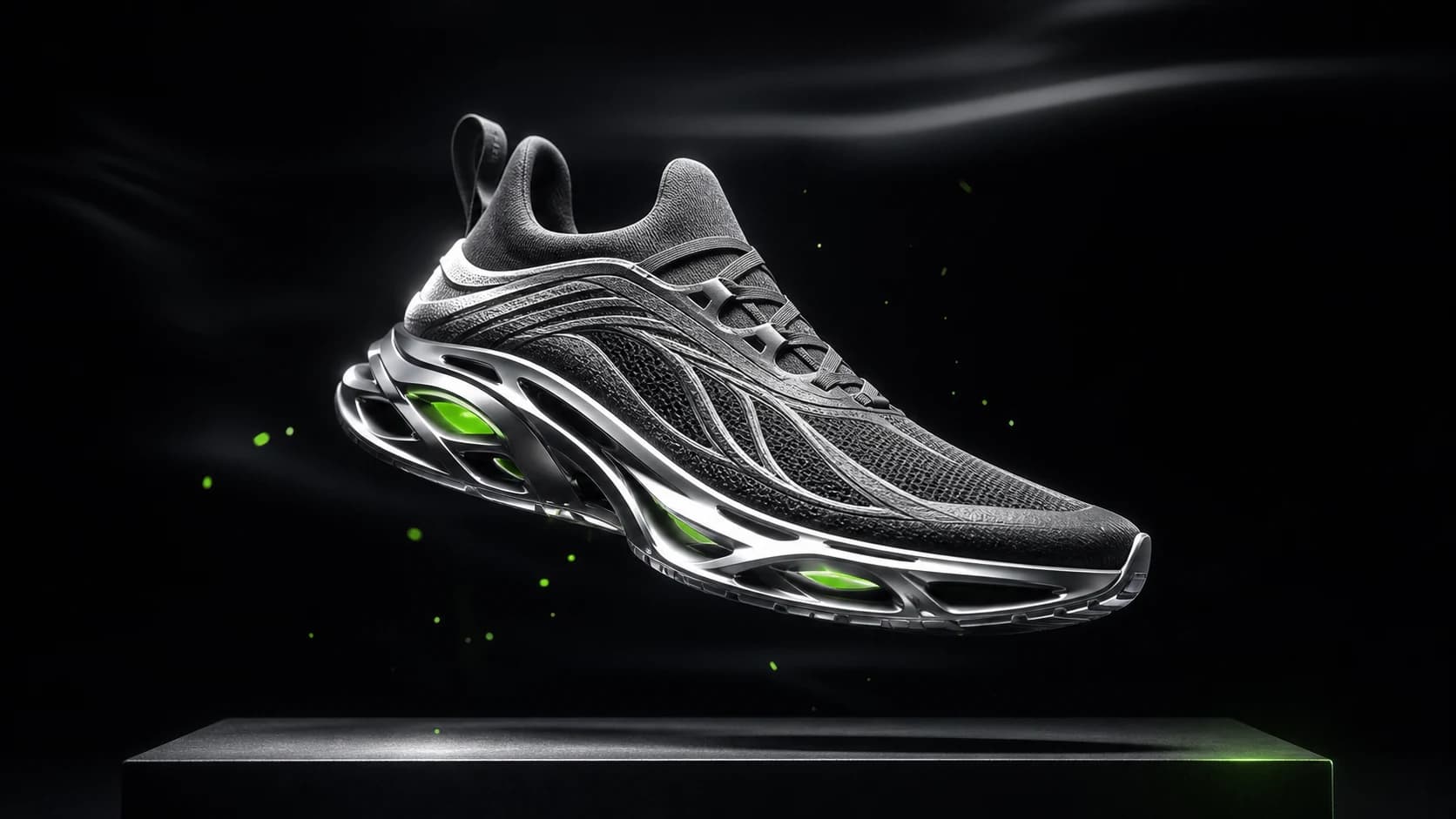
An original performance sneaker suspended above a graphite platform in a precision-lit studio.
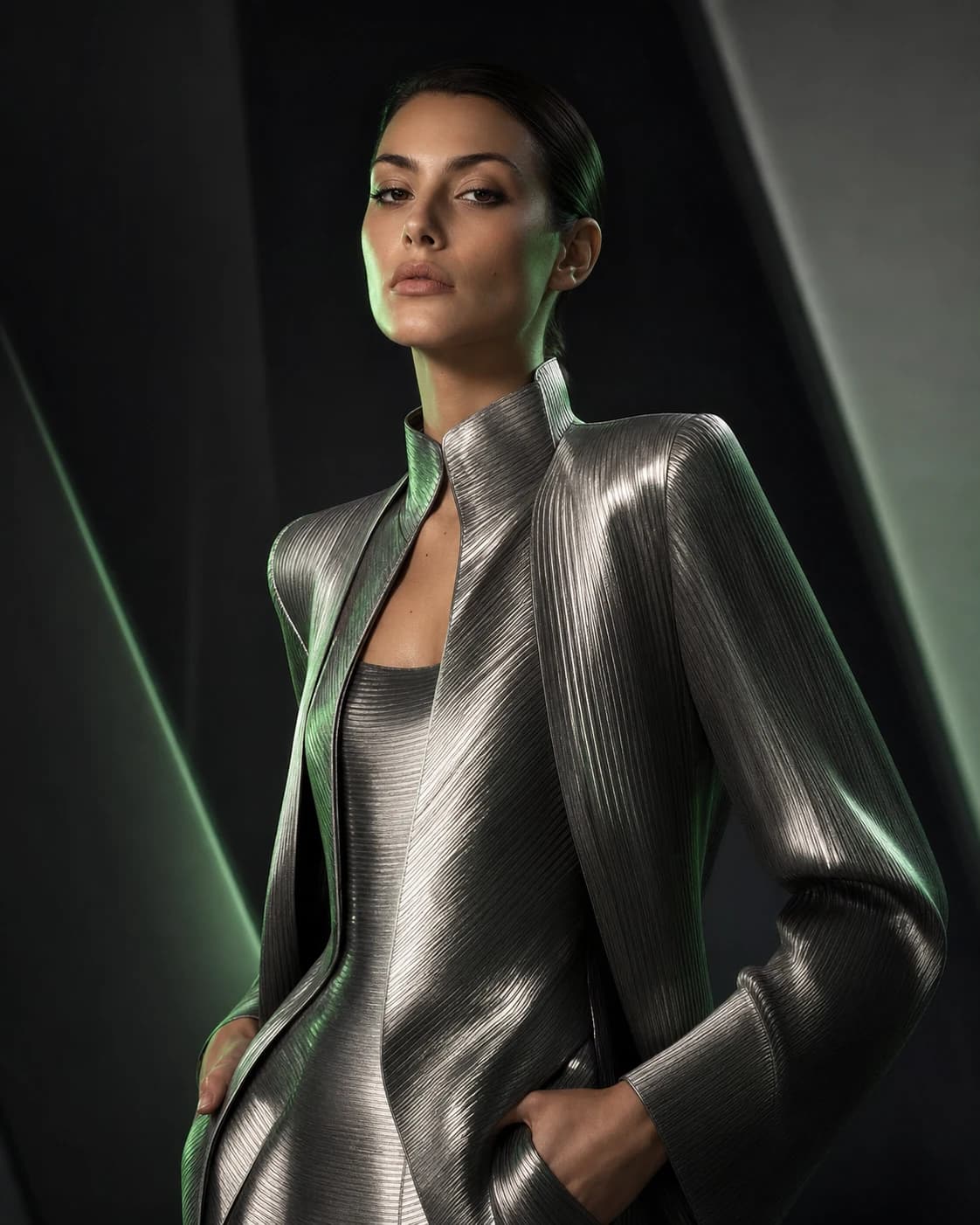
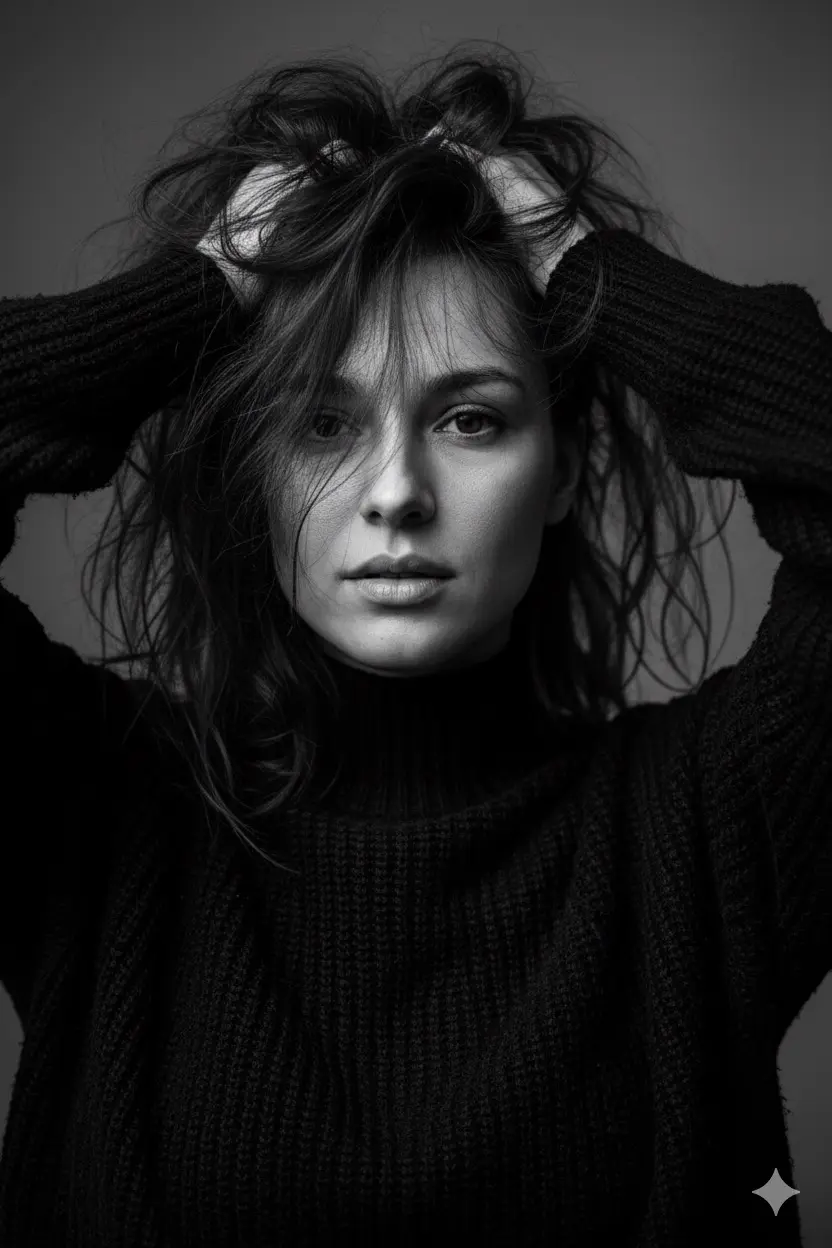
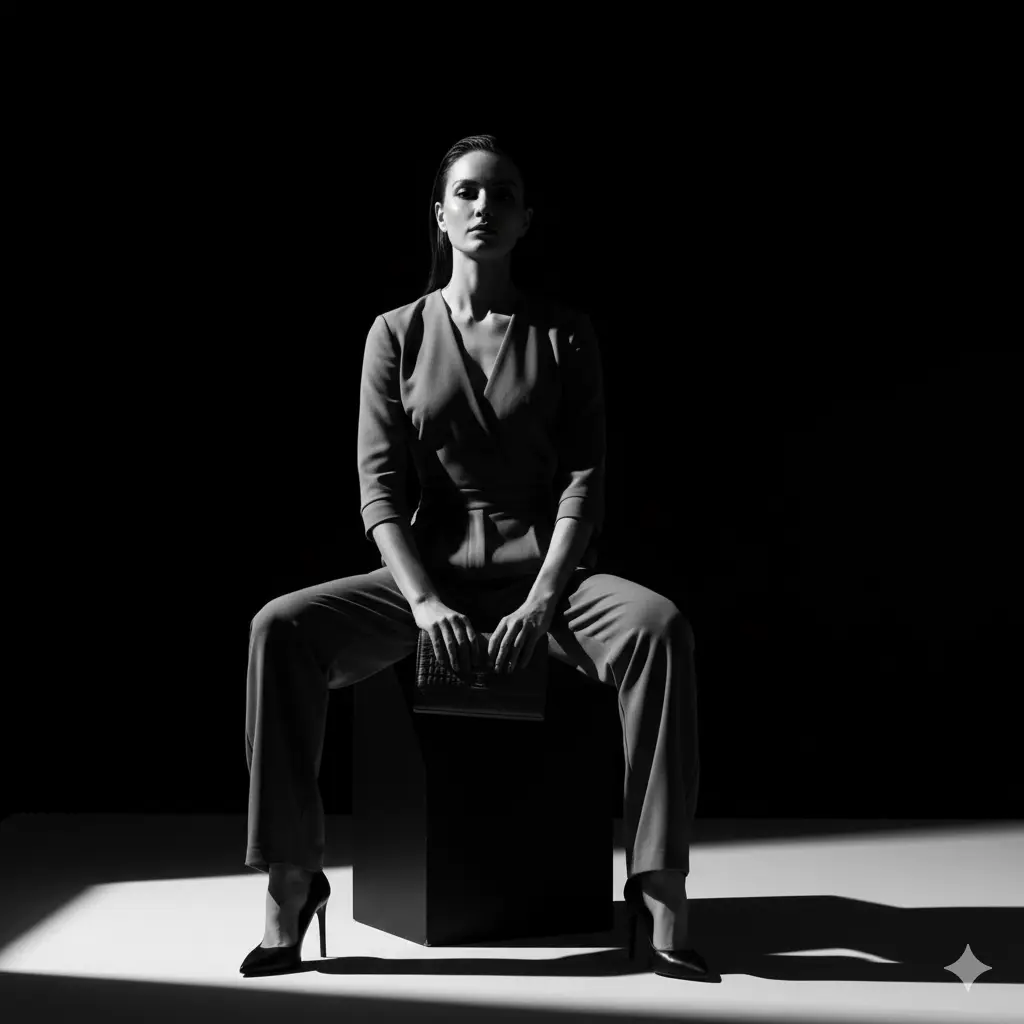
A magazine-style portrait with sculptural styling and controlled beauty lighting.
Yes. PixPilot provides dedicated image and video workspaces with model-specific inputs, settings, and credit estimates.
Yes. Supported models accept input images, first and last frames, or multiple reference images depending on the selected workflow.
Completed outputs are persisted to your private account history and can be reopened from the Assets page.