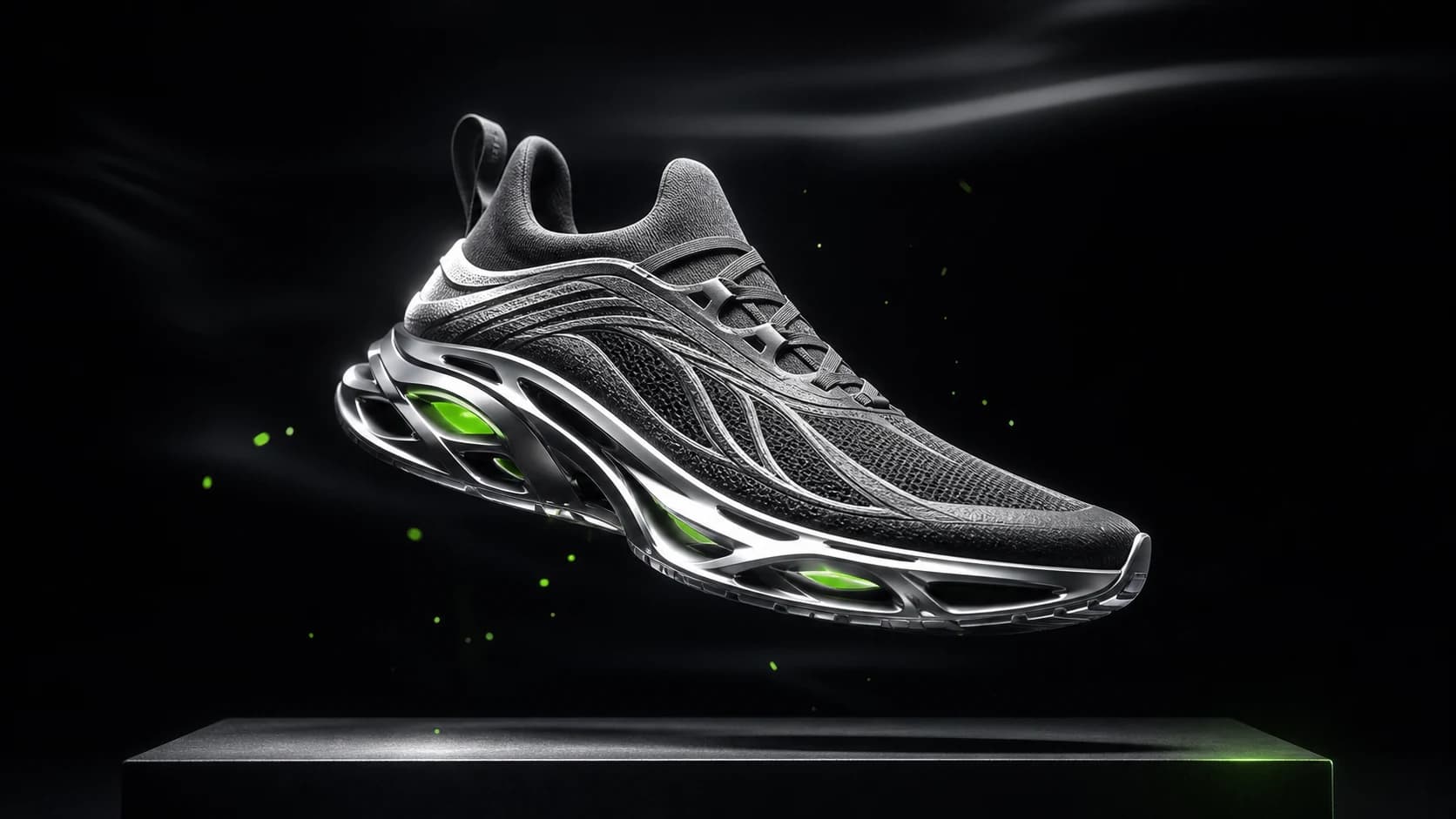
Futuristic sneaker advertising visual
An original performance sneaker suspended above a graphite platform in a precision-lit studio.
AI Video
Build video prompts, choose input media, and tune duration, resolution, and aspect ratio before generating.
Keep the main prompt, media inputs, and output settings together while you work.
Model
Prompt
This mode generates from the prompt without uploaded media.
Video Length
Output format
Current preset
Seedance 2.0 · 5s · 720p
Credits
130
Your latest video result appears here when generation completes.
Turn this product image into a cinematic reveal.
Generated video metadata will appear here.
AI video workflows
Choose Seedance 2.5 for longer multimodal clips, Hailuo 2.3 for realistic prompt or image-to-video, Hailuo 02 for first-to-last-frame control, or a Veo workflow for native audio. Then control duration, resolution, aspect ratio, audio, prompt optimization, and seed where the model supports them.
Text-to-video, image animation, and reference-guided video generation at 720p or 1080p.
Flexible video generation with prompts, frames, references, and optional audio.
Multimodal video generation with frames, references, native audio, and clips up to 30 seconds.
Realistic text-to-video and image-to-video generation at 768p or 1080p.
Physics-focused video generation with prompt, image, and first-to-last-frame modes.
PixPilot is preparing a Hailuo 03 workflow for a future release.
PixPilot is preparing a MiniMax H3 workflow for a future release.
Image-to-video generation for turning one uploaded image into a short motion clip.
Prompt, image, frames, and reference-guided video generation with optional audio.
High-fidelity AI video generation with native audio, image animation, frame control, and reference images.
Fast AI video generation with native audio, image animation, and frame-to-frame control.
Cost-efficient AI video generation with native audio, image animation, and frame control.
An original performance sneaker suspended above a graphite platform in a precision-lit studio.
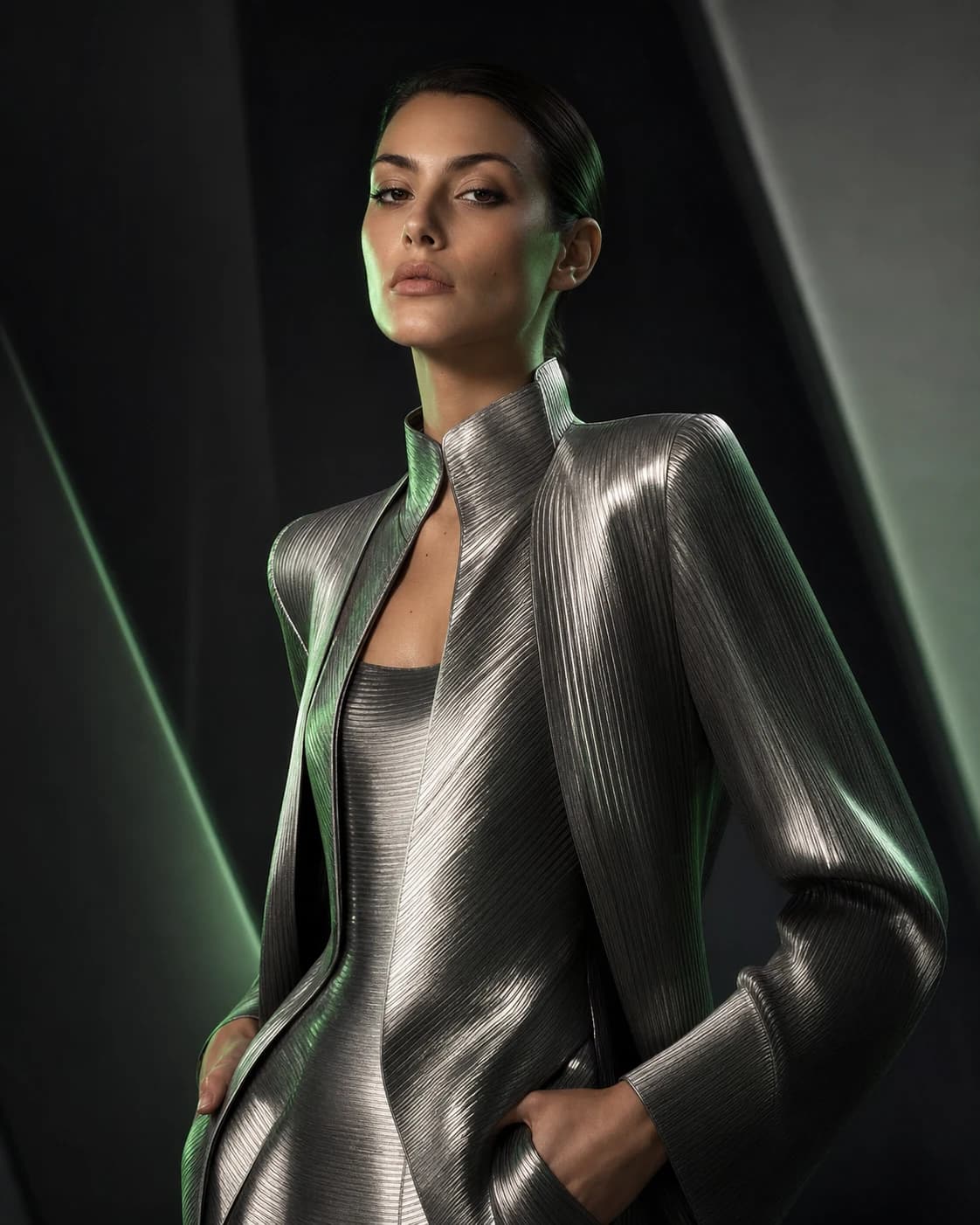
A magazine-style portrait with sculptural styling and controlled beauty lighting.
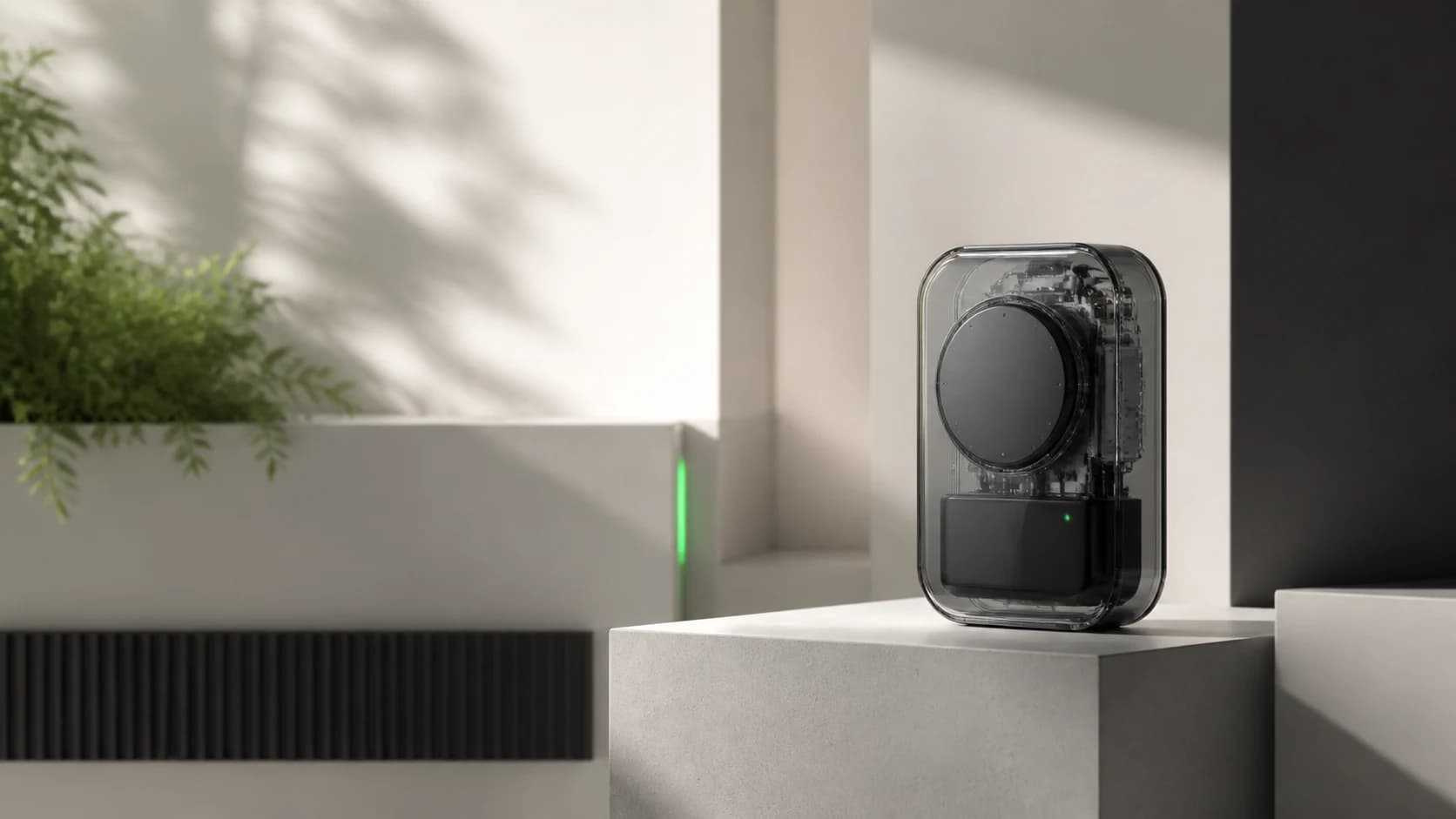
A transparent concept device presented with clean geometry and soft architectural daylight.
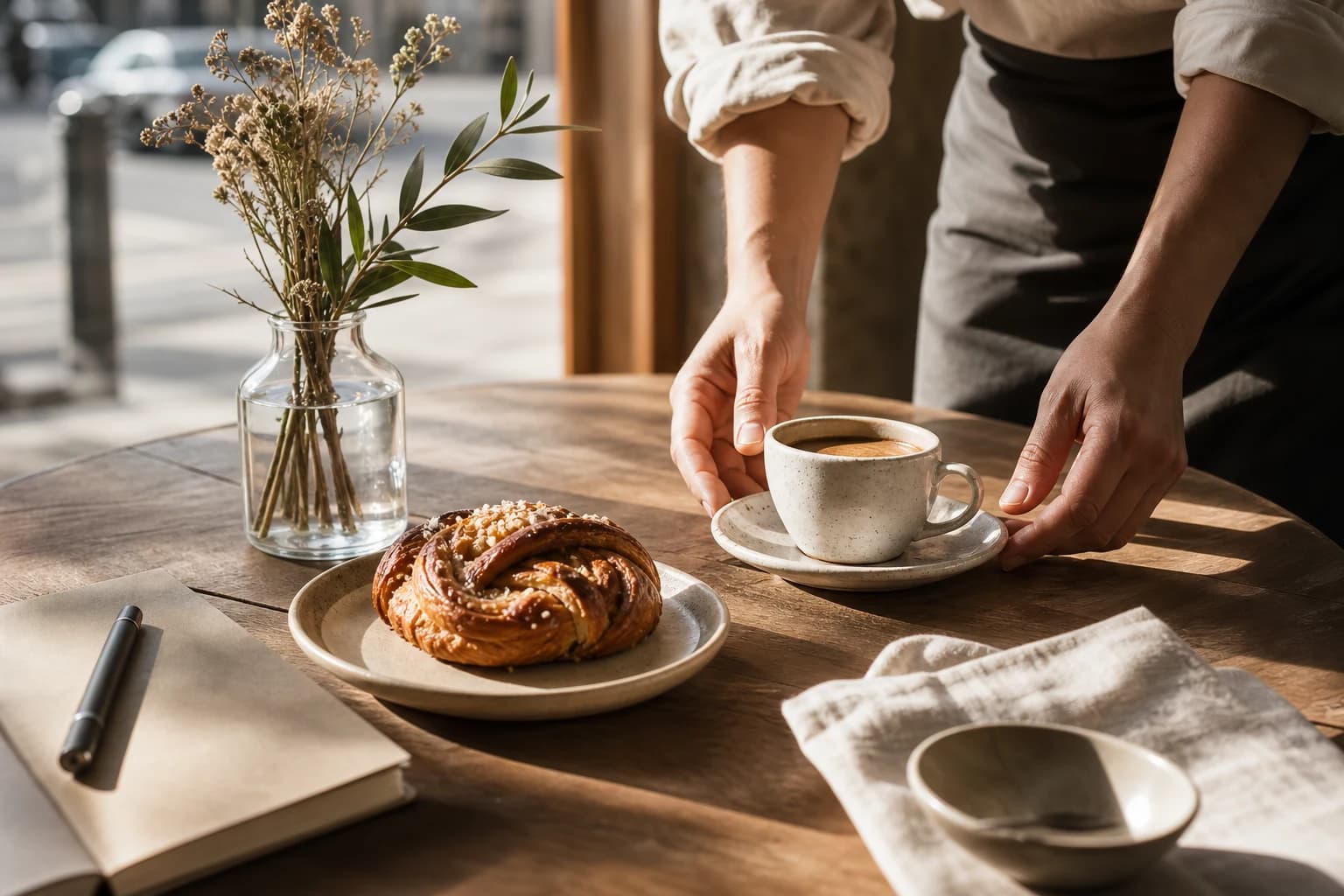
A warm editorial tabletop scene designed for hospitality and social advertising.
Text-to-video creates a clip from a written brief. Image-to-video starts from one uploaded image and adds motion while retaining the source composition.
Seedance 2.0, Seedance 2.5, Veo 3.1, Veo 3.1 Fast, Veo 3.1 Lite, and Hailuo 02 support first-frame workflows; Seedance and Hailuo 02 also expose optional last-frame control.
Current video models support clips from four to thirty seconds, depending on the selected model and settings. Hailuo models use six or ten seconds, with 1080p limited to six seconds.
Compare every available and coming-soon model on the AI Models hub.