Use code

for 30% off your first plan.

← Back to Nano Banana prompts

Nano Banana prompt

Perfil advogada Nano Banana Prompt

Published July 14, 2026 · ♥ 79

Perfil advogada Nano Banana prompt example

Nano Banana prompt text

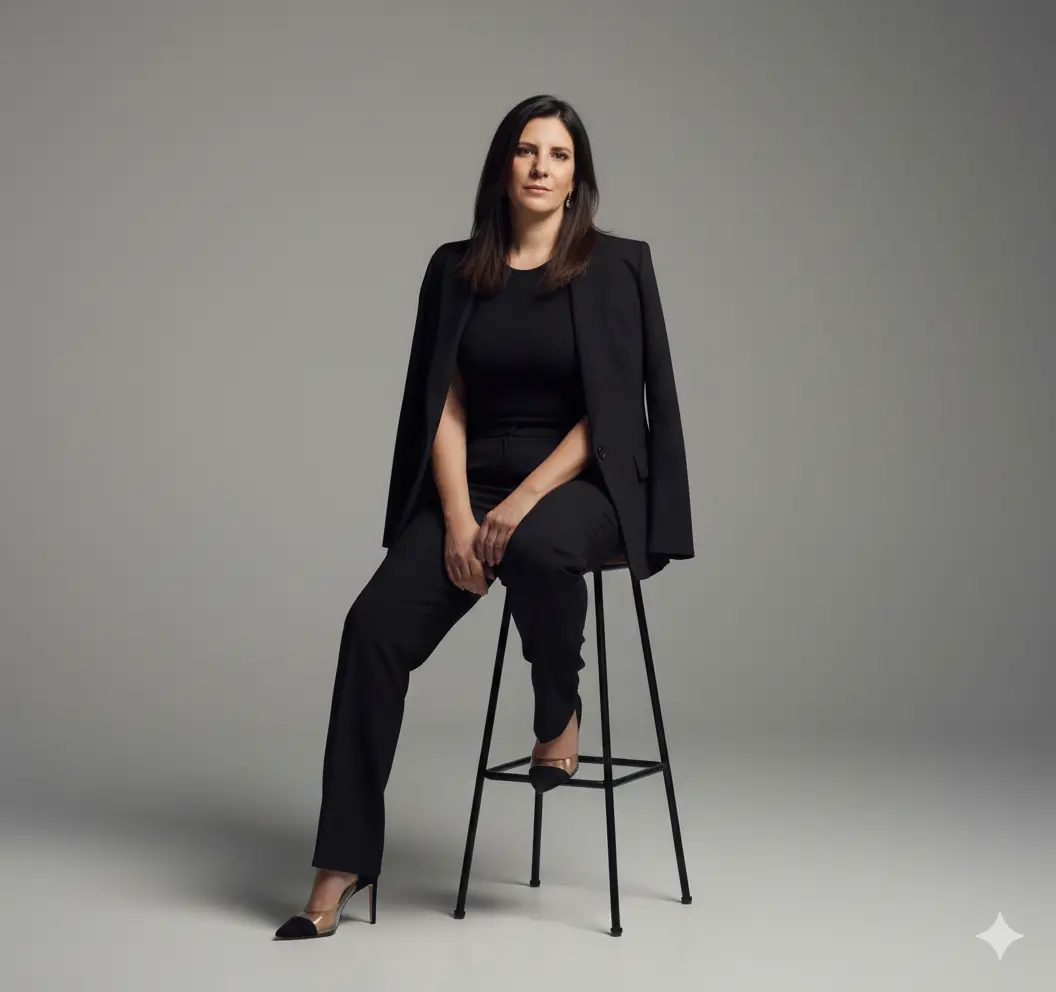
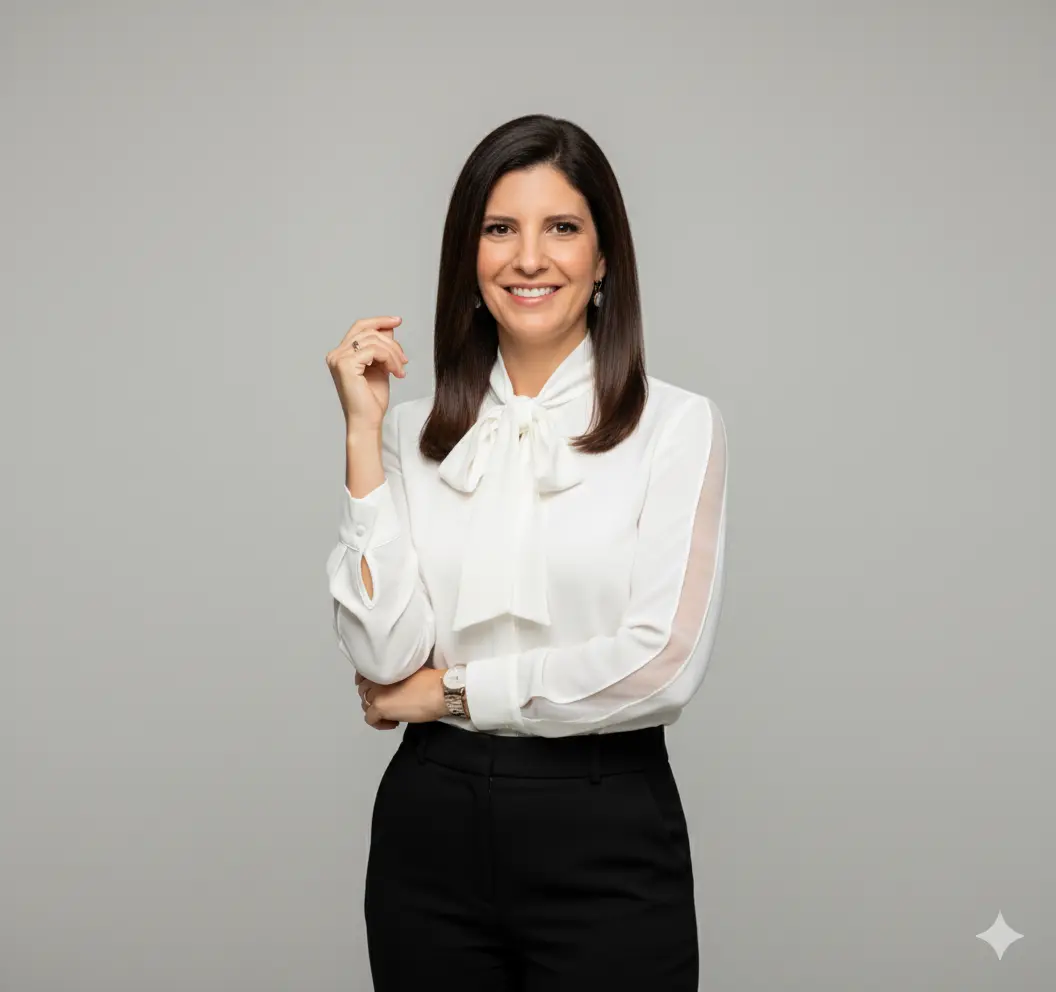
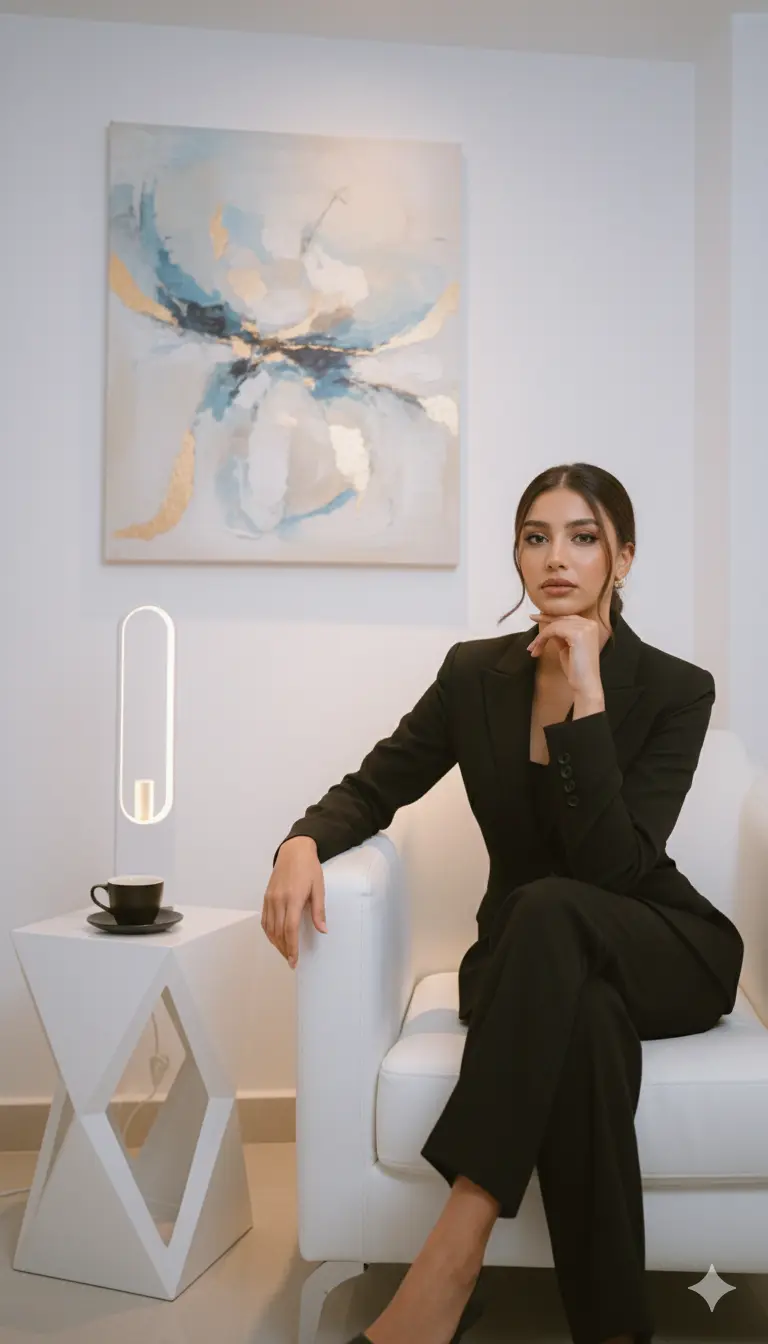
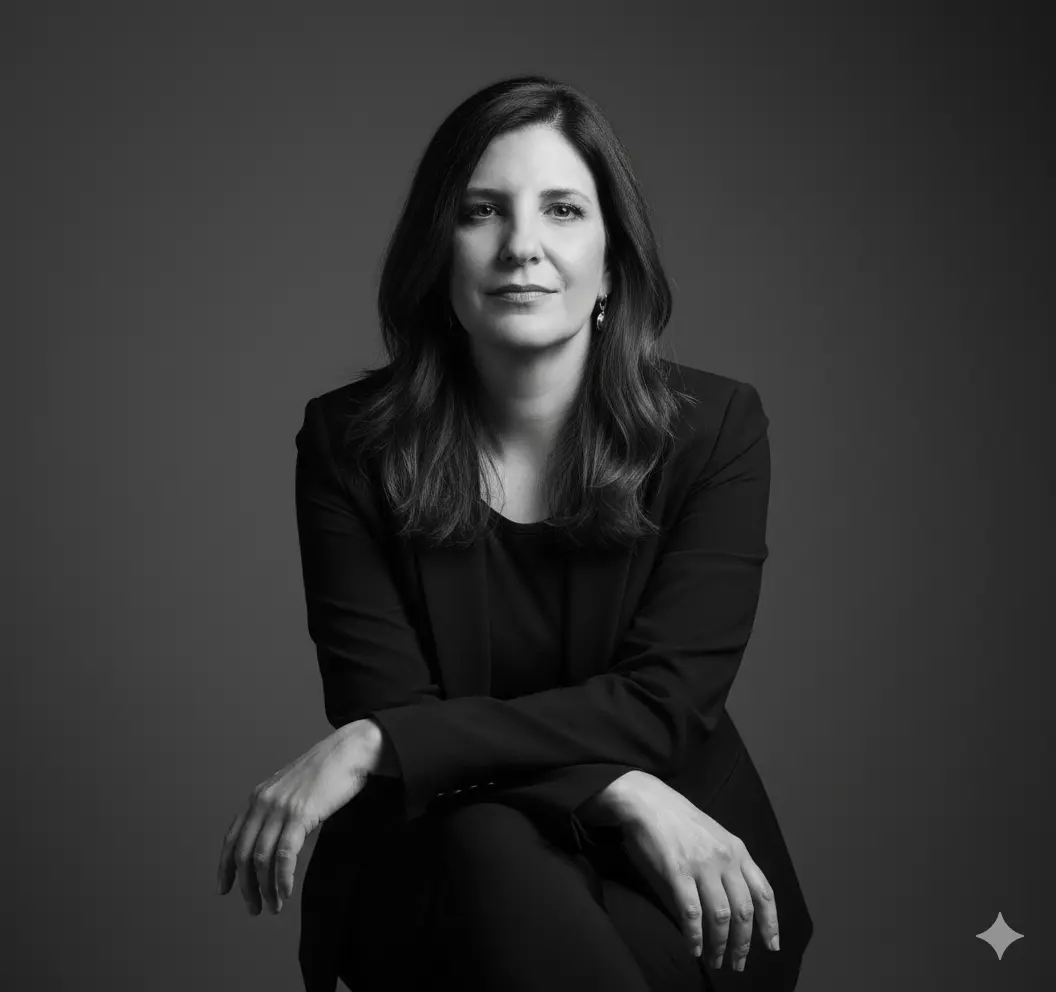
“Retrato Corporativo Feminino Profissional e Elegante” Prompt principal (positivos): Retrato feminino realista e profissional em estúdio, da mesma mulher da referência original (mesmo rosto, cabelo e traços faciais). A mulher está em pé, olhando para a câmera com um leve sorriso confiante e expressão acolhedora. O cabelo está solto, liso e bem cuidado, com brilho natural. Ela veste uma blusa branca elegante de tecido leve com laço no pescoço, mangas longas e discretas transparências nas mangas, transmitindo sofisticação e credibilidade. A parte inferior da roupa é composta por uma saia ou calça preta de cintura alta, ajustada e moderna. O fundo é neutro e profissional, em tom cinza suave ou bege claro, com iluminação de estúdio balanceada — luz frontal suave destacando o rosto e sombras leves nas laterais para dar profundidade. A pose é natural: um braço cruzado levemente à frente do corpo, a outra mão próxima ao rosto, tocando o cabelo ou o queixo com elegância. O estilo geral é o de uma foto de perfil corporativo de alta qualidade, usada para advogadas, empresárias ou executivas. O enquadramento é de meio corpo, destacando rosto, cabelo, e parte superior do tronco. Alta definição, textura de pele realista, iluminação de estúdio equilibrada, nitidez perfeita, aparência confiante e natural. Detalhes técnicos e estéticos: Cenário: fundo liso e neutro (cinza claro ou bege suave) Personagem: mesma mulher da referência principal Expressão: leve sorriso, olhar direto, expressão confiante e empática Cabelo: solto, liso e bem alinhado Roupas: blusa branca elegante com laço + parte inferior preta Iluminação: luz de estúdio suave, frontal e difusa Composição: retrato de meio corpo, fundo desfocado neutro Estilo: fotografia corporativa, moderna e refinada Parâmetros recomendados (para Nano Banana): --style: corporate_portrait --lighting: soft_studio --camera: mid_body --focus: face --mood: confident_and_professional --quality: ultra_realistic --composition: neutral_background
CinematicFashionPhotographyRealisticElegantCorporateBusiness

Prompt workflow

How to use this Nano Banana prompt

Start with the full prompt so its subject, scene, and visual direction stay connected. Then adapt only the part that changes your result: the subject for a new concept, the scene for a different setting, or the style and composition for a new format.

Preserve the core brief

Keep the subject, visual style, and composition cues that make this prompt recognizable. Change one creative variable at a time when iterating.

Match the output to the channel

Choose the aspect ratio for the final placement, then add a clear crop, camera, or layout instruction instead of relying on a vague style word.

Use references for hard-to-name details

Upload references when a product shape, material, palette, or composition is easier to show than to describe in words.

Refine with a specific goal

Ask for a concrete change such as a different background, lighting direction, framing, or text treatment while naming the details that must remain.

Use this prompt with other image models

This remains a Nano Banana prompt first. Use these alternatives when the same brief needs a different kind of image control.

Similar Nano Banana Prompts

Explore related visual directions selected from shared tags and popular prompt ideas.

Nano Banana prompt FAQ

How should I adapt this prompt?

Keep the strongest subject, scene, and style instructions, then make one targeted change for the result you need. Clear changes are easier to evaluate than replacing the whole prompt at once.

When should I use a reference image?

Use a reference when you need to preserve a visual detail that text alone may not capture, such as a product silhouette, a material, a color palette, or a composition.

Which model should I choose?

Start with Nano Banana for fast iteration. Choose GPT Image 2 for text-heavy or precise edit requests, and Flux 2 Pro when detailed commercial art direction or multiple references matter most.