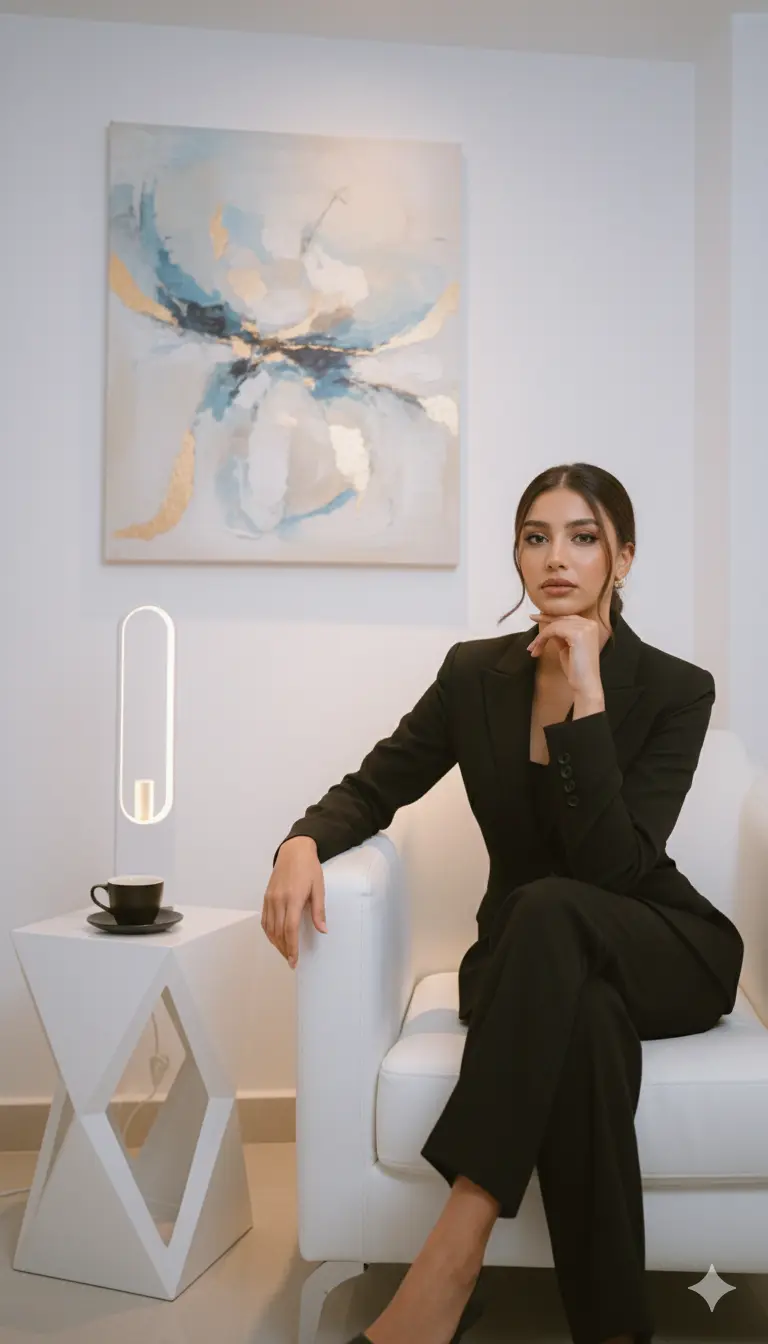
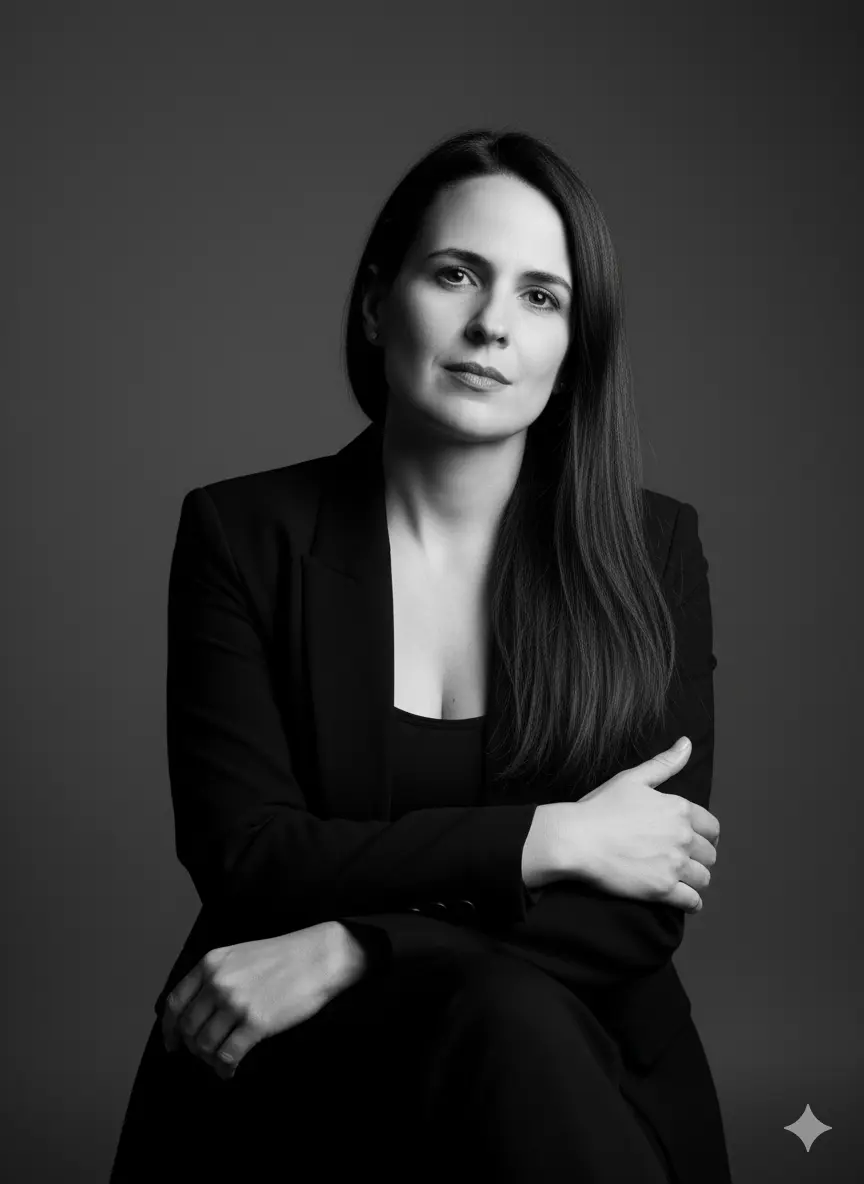
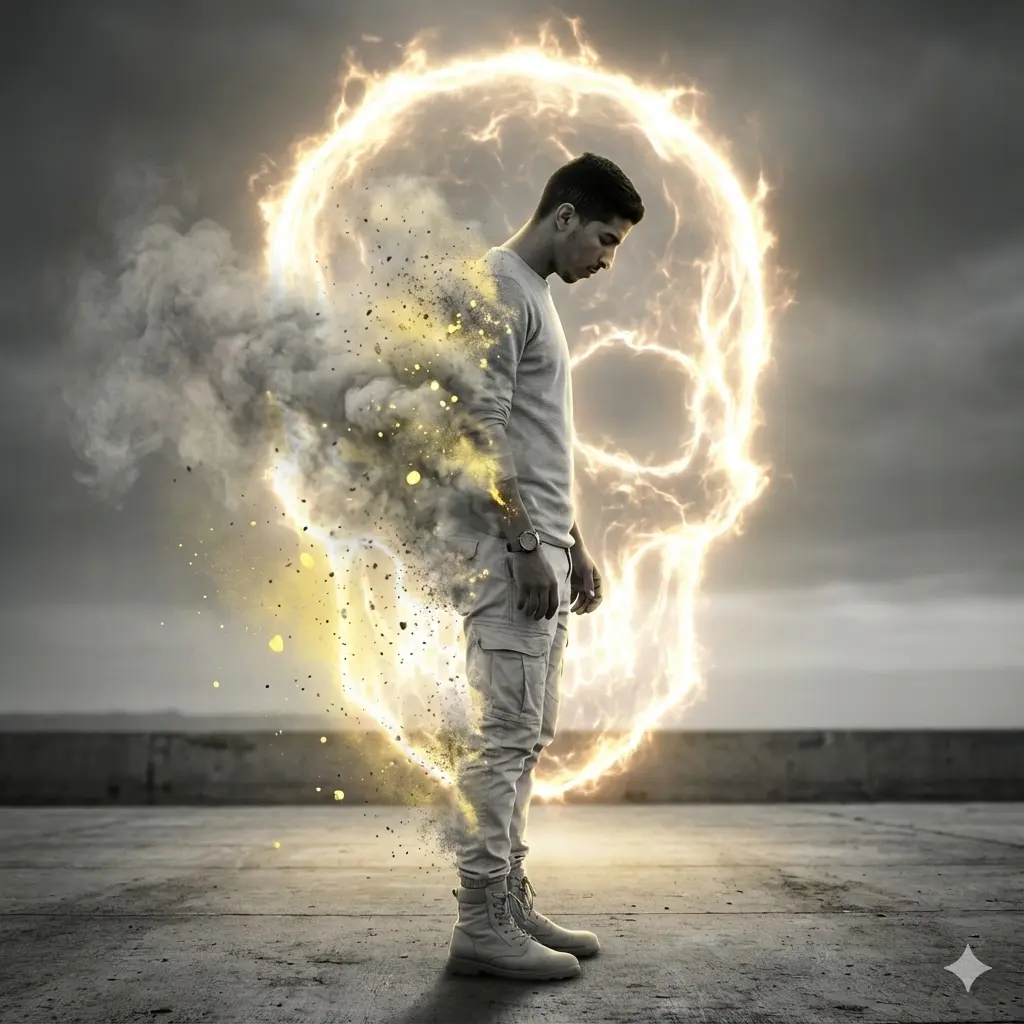
Nano Banana prompt text
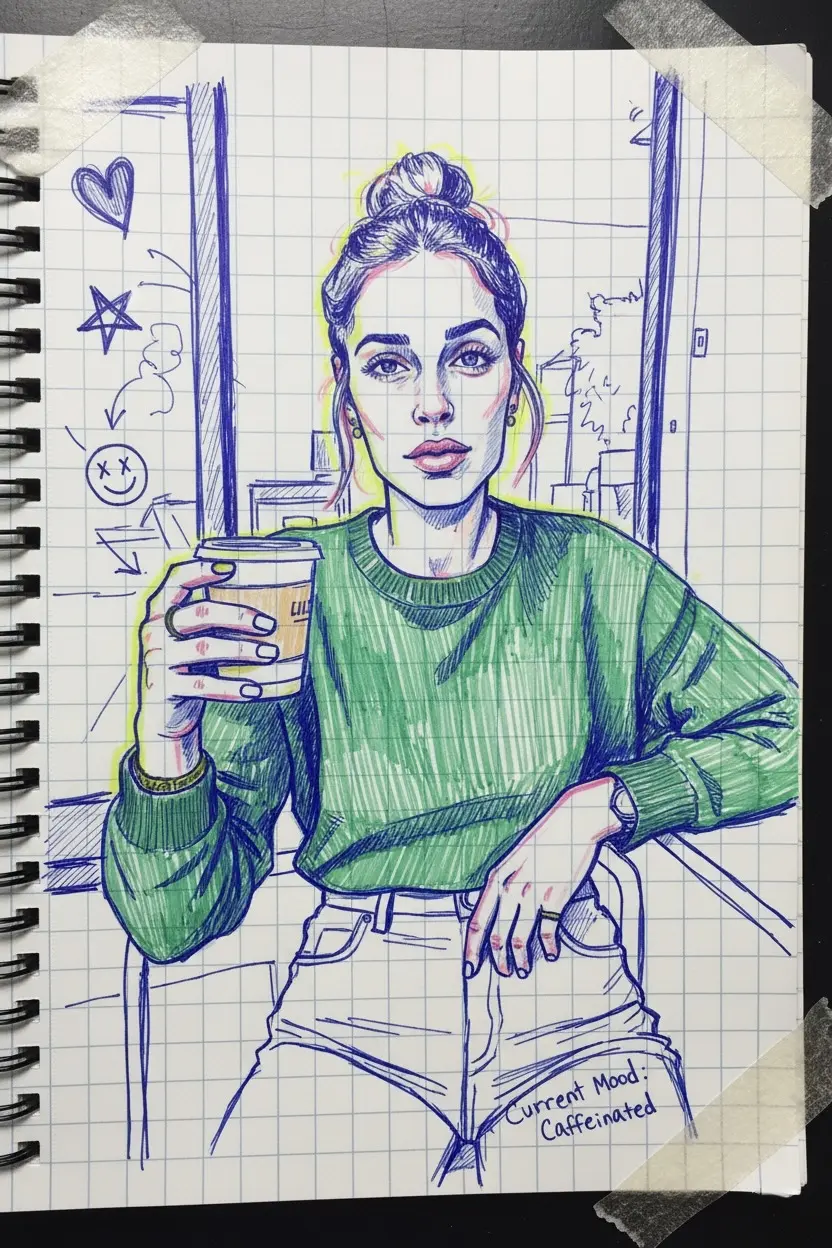
Create a portrait that looks like a doodle in a teenager’s school journal, drawn with blue ink and neon markers, with random phrases, arrows, and tape marks. Maintain the real shape of my face and proportions.
Nano Banana prompt
Published July 14, 2026 · ♥ 94

Create a portrait that looks like a doodle in a teenager’s school journal, drawn with blue ink and neon markers, with random phrases, arrows, and tape marks. Maintain the real shape of my face and proportions.
Prompt workflow
Start with the full prompt so its subject, scene, and visual direction stay connected. Then adapt only the part that changes your result: the subject for a new concept, the scene for a different setting, or the style and composition for a new format.
Keep the subject, visual style, and composition cues that make this prompt recognizable. Change one creative variable at a time when iterating.
Choose the aspect ratio for the final placement, then add a clear crop, camera, or layout instruction instead of relying on a vague style word.
Upload references when a product shape, material, palette, or composition is easier to show than to describe in words.
Ask for a concrete change such as a different background, lighting direction, framing, or text treatment while naming the details that must remain.
This remains a Nano Banana prompt first. Use these alternatives when the same brief needs a different kind of image control.
Choose it when readable text, precise visual edits, or reference-led changes matter most.
Choose it for high-quality commercial visuals, detailed art direction, and multi-image guidance.
Explore related visual directions selected from shared tags and popular prompt ideas.
Keep the strongest subject, scene, and style instructions, then make one targeted change for the result you need. Clear changes are easier to evaluate than replacing the whole prompt at once.
Use a reference when you need to preserve a visual detail that text alone may not capture, such as a product silhouette, a material, a color palette, or a composition.
Start with Nano Banana for fast iteration. Choose GPT Image 2 for text-heavy or precise edit requests, and Flux 2 Pro when detailed commercial art direction or multiple references matter most.