Faster creative production
Move from a plain product source to multiple styled concepts without arranging a shoot, booking a set, or rebuilding the product from scratch.
AI Product Photo Generator
Upload one product image, pick a selling style, and generate a polished asset that saves to your PixPilot history.
Setup
Style
Product image
Product image *
Required source
Direction
0 / 2000
Format
Current preset
Floating Rock · 3:4 · 1K
Credits
10
Preview and result
Floating Rock

Upload a product image and generate a Floating Rock product shot.
Describe a product scene to start generation.
Studio-quality product shots
Turn a clear product image into polished campaign visuals for product pages, marketplace listings, social ads, launch pages, brochures, and brand tests. The workflow keeps the product source visible while changing the environment around it.
Move from a plain product source to multiple styled concepts without arranging a shoot, booking a set, or rebuilding the product from scratch.
Use scene, surface, mood, lighting, and prop direction to make simple product images feel more specific to the sales channel.
Completed generations are saved with your account so you can return to winning shots and download final assets later.

Create clean product-page visuals that help shoppers understand scale, texture, materials, and intended use.
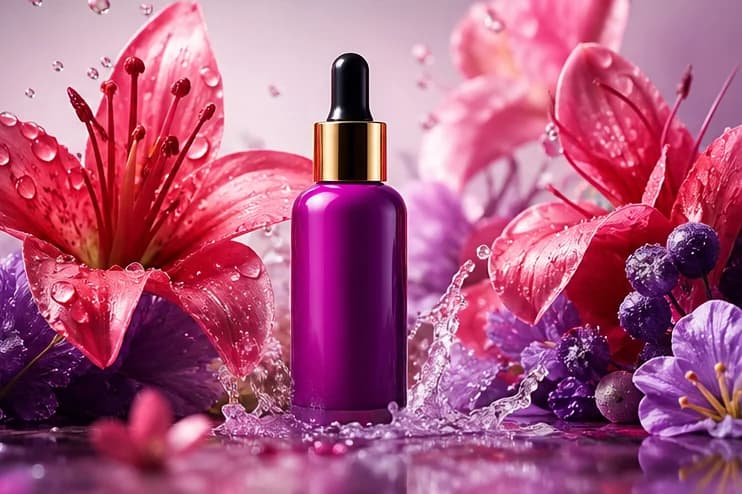
Produce stylized product shots for social posts and paid creative where a plain packshot would be easy to miss.
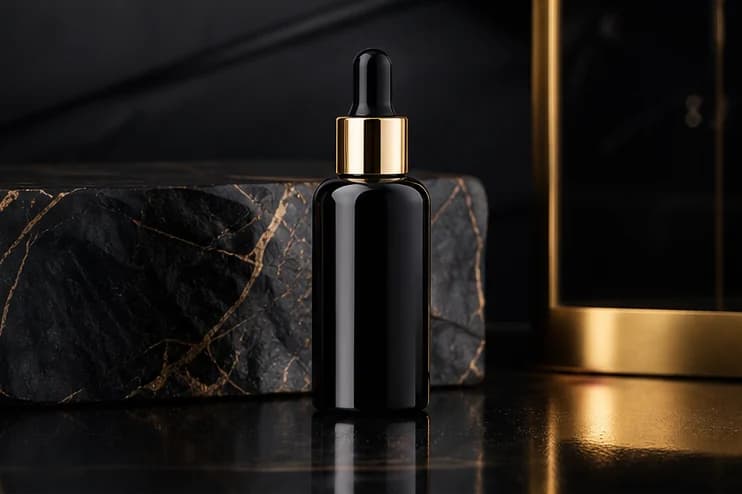
Test product scenes for launch campaigns, seasonal offers, landing pages, and comparison creatives.

Build catalog-style shots with consistent presentation before committing to a final design direction.
Use a clear image where the product shape, color, and packaging are visible.
Choose from the full product-shot style grid, then describe the scene you want.
Start generation, review the result, and find completed shots in your asset history.
PixPilot's product photo generator is an innovative tool that allows you to create stunning product shots using AI. With just a few clicks, you can transform your product images into staged, professional-quality visuals perfect for marketing and e-commerce.
PixPilot is the best AI product photo generator because it can turn ordinary product images into realistic, high-converting shots in just minutes. It helps e-commerce sellers, marketers, and brands create commercial-ready product photos with consistent quality, without expensive photoshoots or complicated editing tools.
Yes! PixPilot offers free credits that allow you to create high-quality product shots without any cost. For more usage and advanced features, please subscribe to our paid subscription plans!
You can use the AI product photo generator for a wide variety of products, including clothing, accessories, electronics, home goods, and more. The tool is designed to accommodate various product types, helping you create appealing visuals for any category.
Yes, once you've subscribed to one of our paid plans, you can use your generated product photos for commercial purposes, including online sales, marketing campaigns, and social media promotions.
You can download your generated product shots in high-resolution formats suitable for web and print use. The download options include JPEG and PNG.
You only need to upload a product image to get started. For the best results, use a clear product image with good lighting, visible details, and minimal distractions. If your image looks blurry or low-quality, you can first use our AI photo editor to make it clearer before generating product shots.
Start with your product image and use PixPilot to generate clean, professional product photos for real selling scenarios. If you are still testing different moods, backgrounds, or promotional ideas, you can also use our AI image generator to create concept visuals. This makes it easier to decide which direction works best before producing your final product shots.
Start with one product image
Choose a style, upload your product, and create a polished product shot without exposing model or provider choices to the workflow.