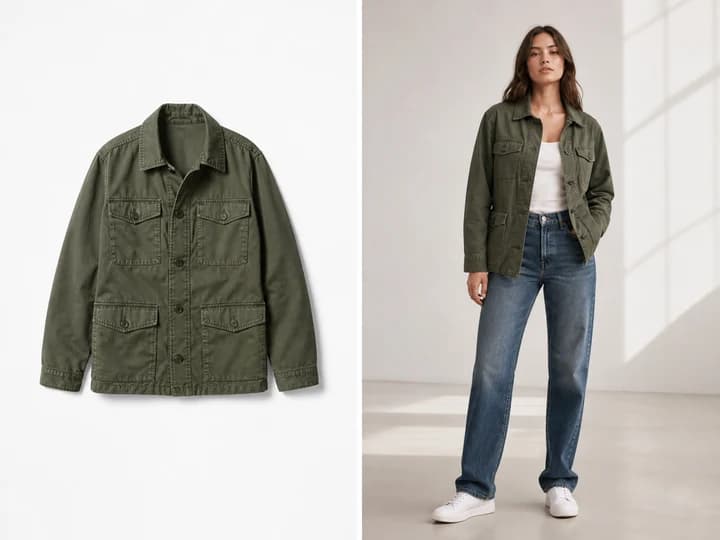
Create on-body catalog images
Turn flat clothing, footwear, eyewear, jewelry, and accessory images into realistic worn photos for product pages and collection tests.
Virtual Try-on Photo
Upload a garment or accessory, add an optional avatar, and generate catalog-ready try-on photos from one style preset.
Setup
Style
Product *
Required source
Avatar
Optional model reference
Direction
0 / 2000
Format
Current preset
Shadow Blue · 3:4 · 1K
Credits
10
Preview and result
Shadow Blue
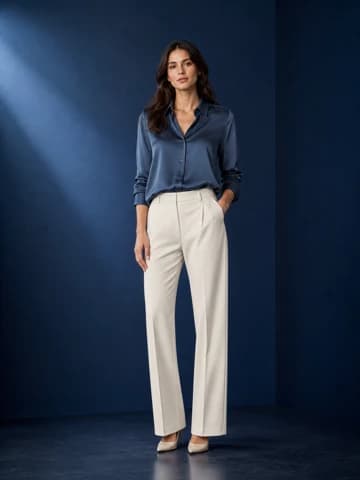
Upload a product image and generate a Shadow Blue virtual try-on photo.
Upload a product image, choose a style, and describe the try-on photo.
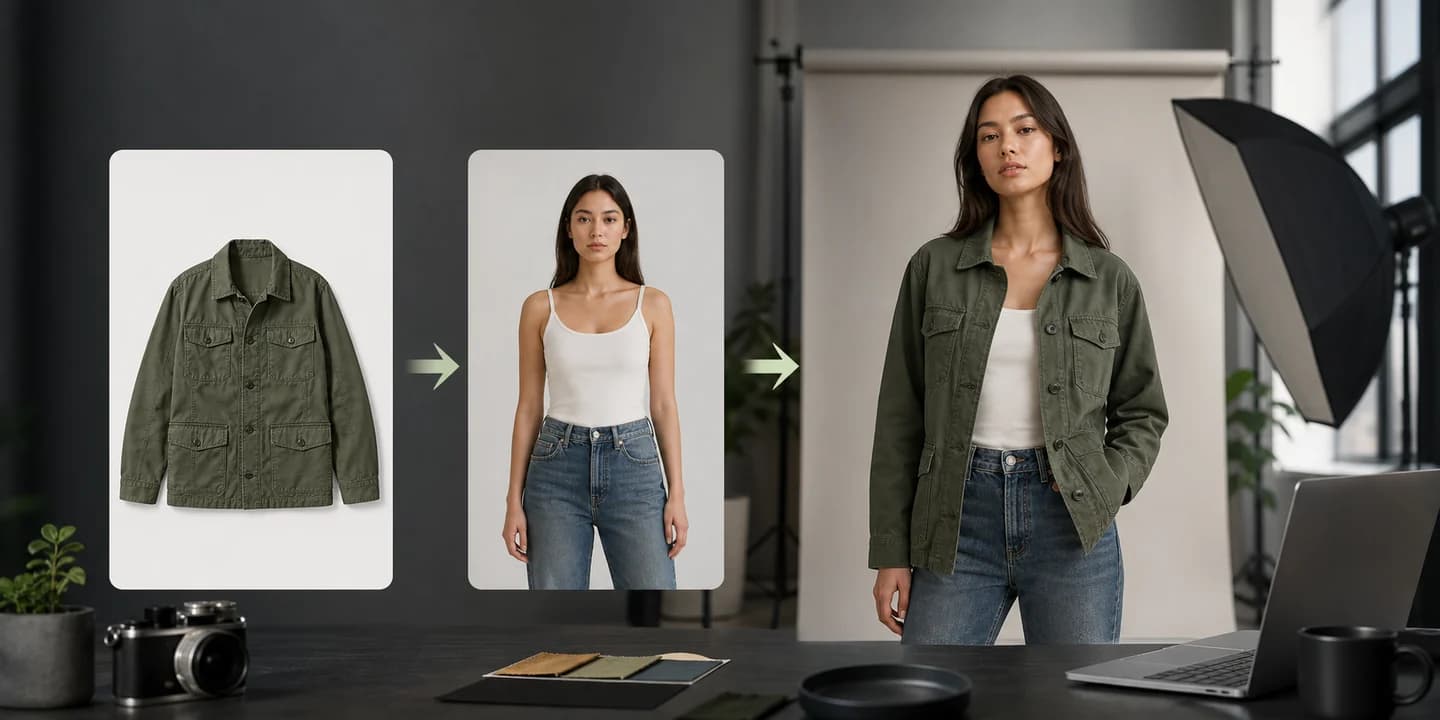
Use a product image, optional avatar, and a style preset to create fashion photos for catalog pages, campaign concepts, product listings, emails, and social ads.
Turn flat clothing, footwear, eyewear, jewelry, and accessory images into realistic worn photos for product pages and collection tests.
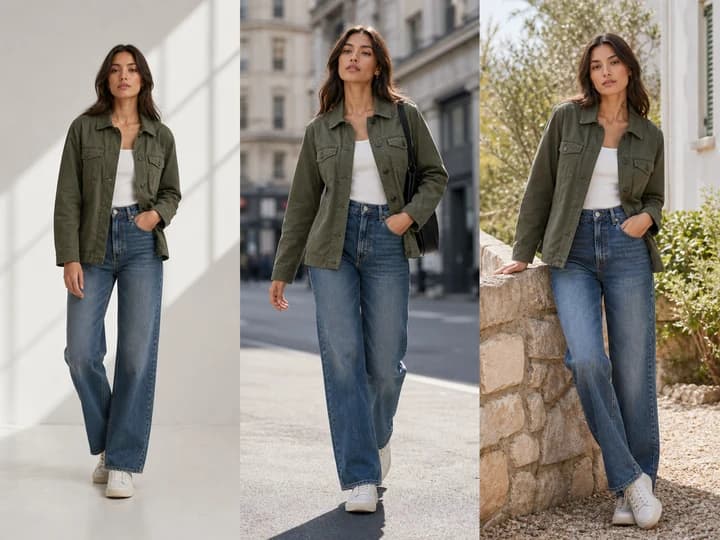
Use style presets to explore studio, street, outdoor, floral, winter, and editorial directions before committing to a shoot.
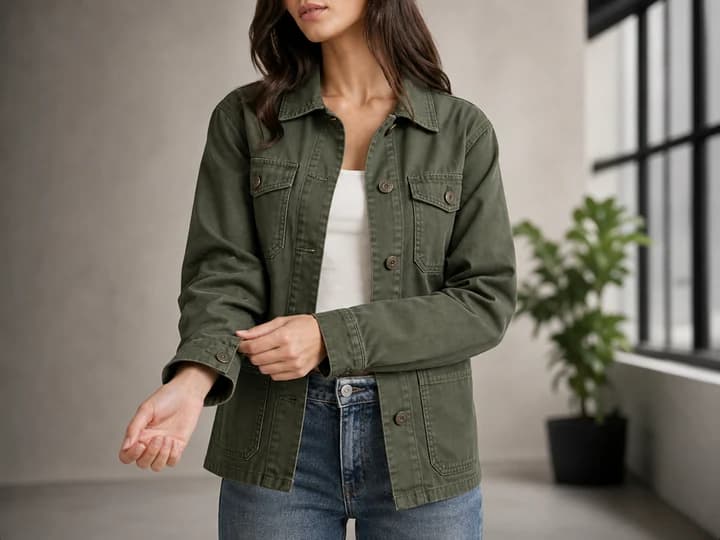
Help shoppers understand how materials, silhouettes, accessories, and proportions look on a person instead of a flat surface.
An AI virtual try-on generator allows you to see how clothes or accessories look on a person without a physical fitting room. Simply upload a garment image, and it automatically generates realistic virtual try-on photos in minutes.
Our AI virtual try-on is extremely intuitive and versatile, enabling it to bring any fashion presentation idea to life. You can generate different model ethnicities, body types, and even virtual hair color try on options to perfectly format images for e-commerce.
Yes. With PixPilot's virtual try-on generator, all first-time users who sign up for an account will get limited credits via the free trial plan. This lets you try it on at no cost, but for unlimited access, you will need a paid plan.
Yes. You can create AI models with different body types and ethnicities to ensure your brand resonates with your target audience.
The virtual try-on photos generated by AI are highly realistic. Our advanced AI virtual try-on accurately handles fabric drape, lighting, shadows, and body contours to ensure the clothing looks natural and authentic on the generated model.
Yes. For premium users, all virtual try-on photos you generate with PixPilot are royalty-free. You can use them for your Shopify store, Amazon listings, or social media ad campaigns to drive more engagement.